Dream journal · Symbol dictionary · AI analysis

Remember your dream. Understand what it may mean.

DreamAI is your private dream journal with detailed AI analysis, a symbol dictionary and optional interpretation by a real expert.

Works offlineNo subscriptioniPhone · iPad · Apple Watch · Android · Windows
AI dream analysisAI dream analysis
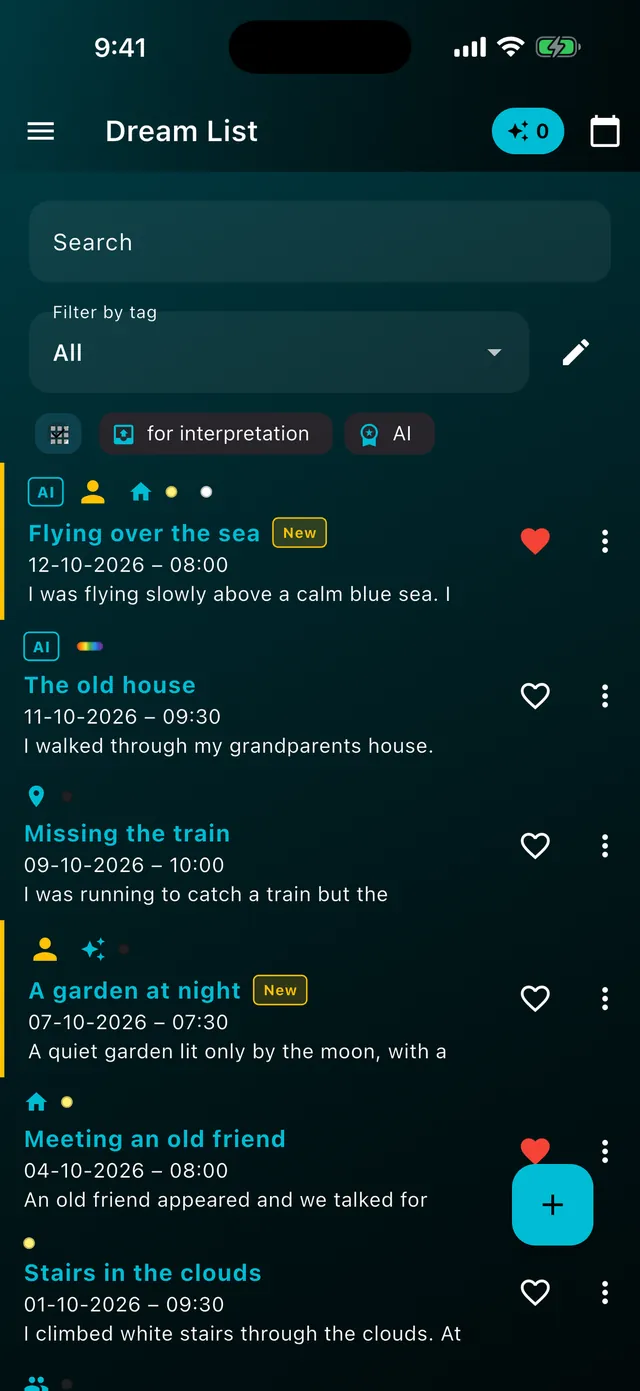
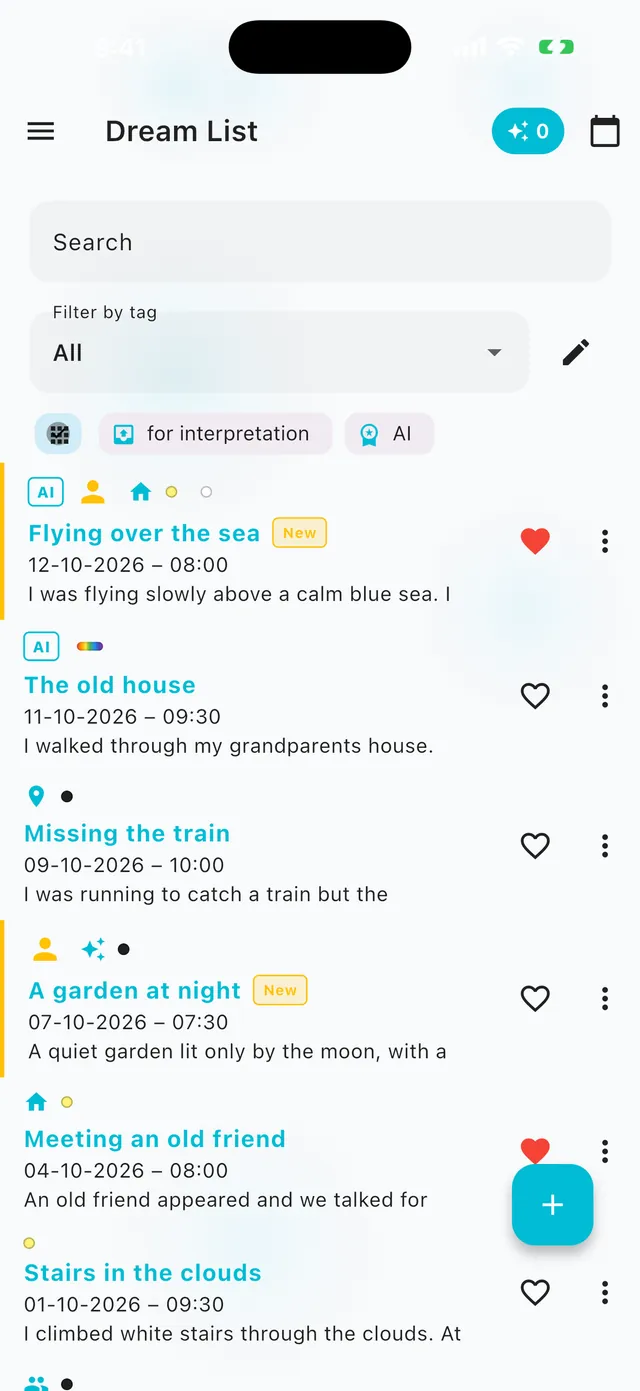
Dream journalDream journal
AI dream analysisAI dream analysis
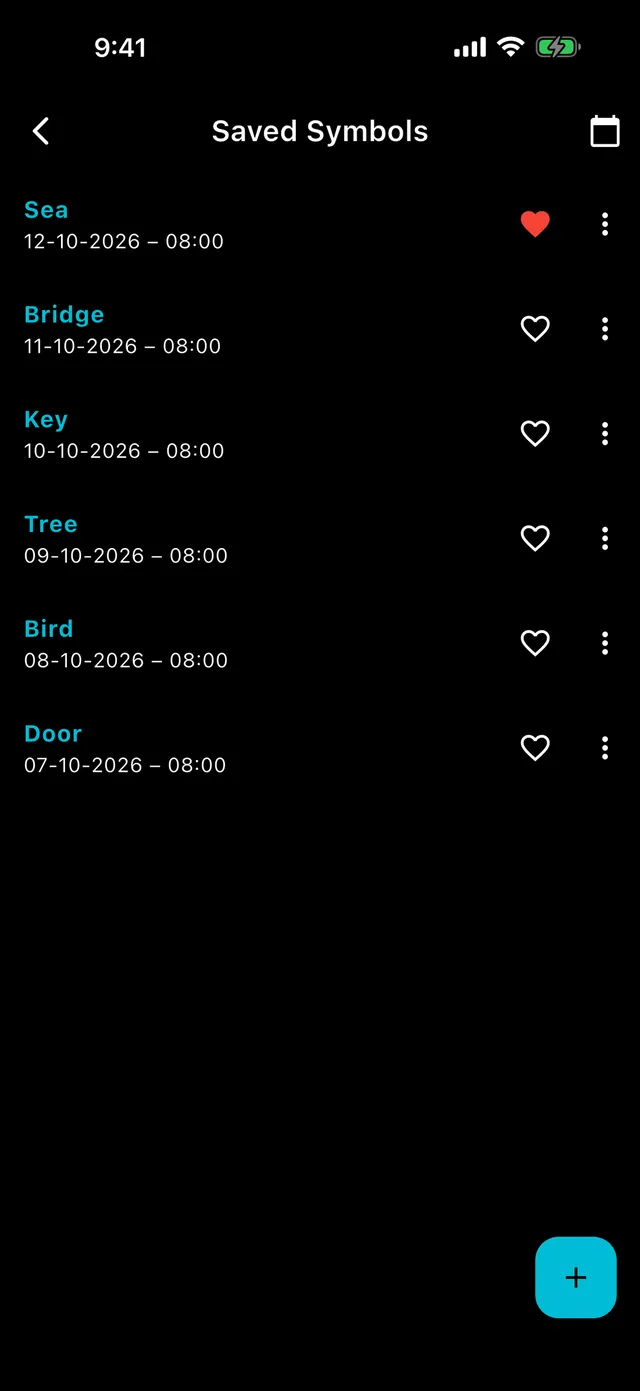
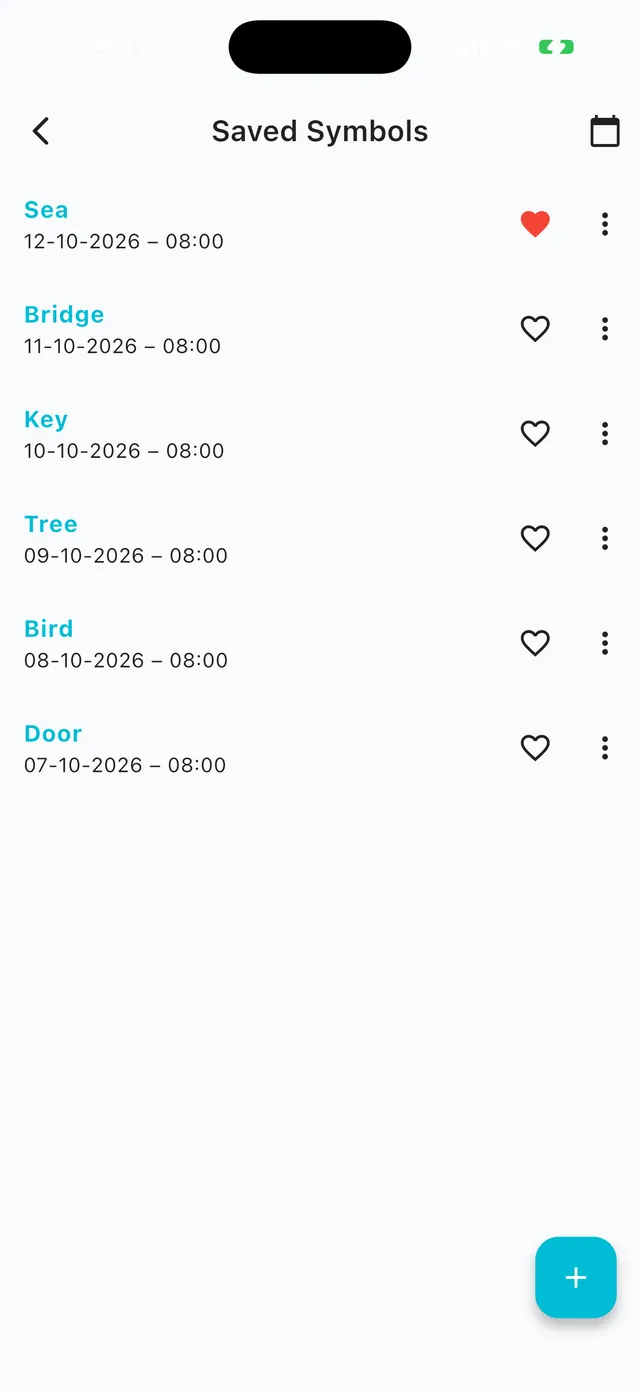
Symbol dictionarySymbol dictionary
Features

Everything a dream journal needs.

From the first entry to a report on your whole month. Scroll to see how it works.

Dream journalDream journal
01 / 09

Dream journal

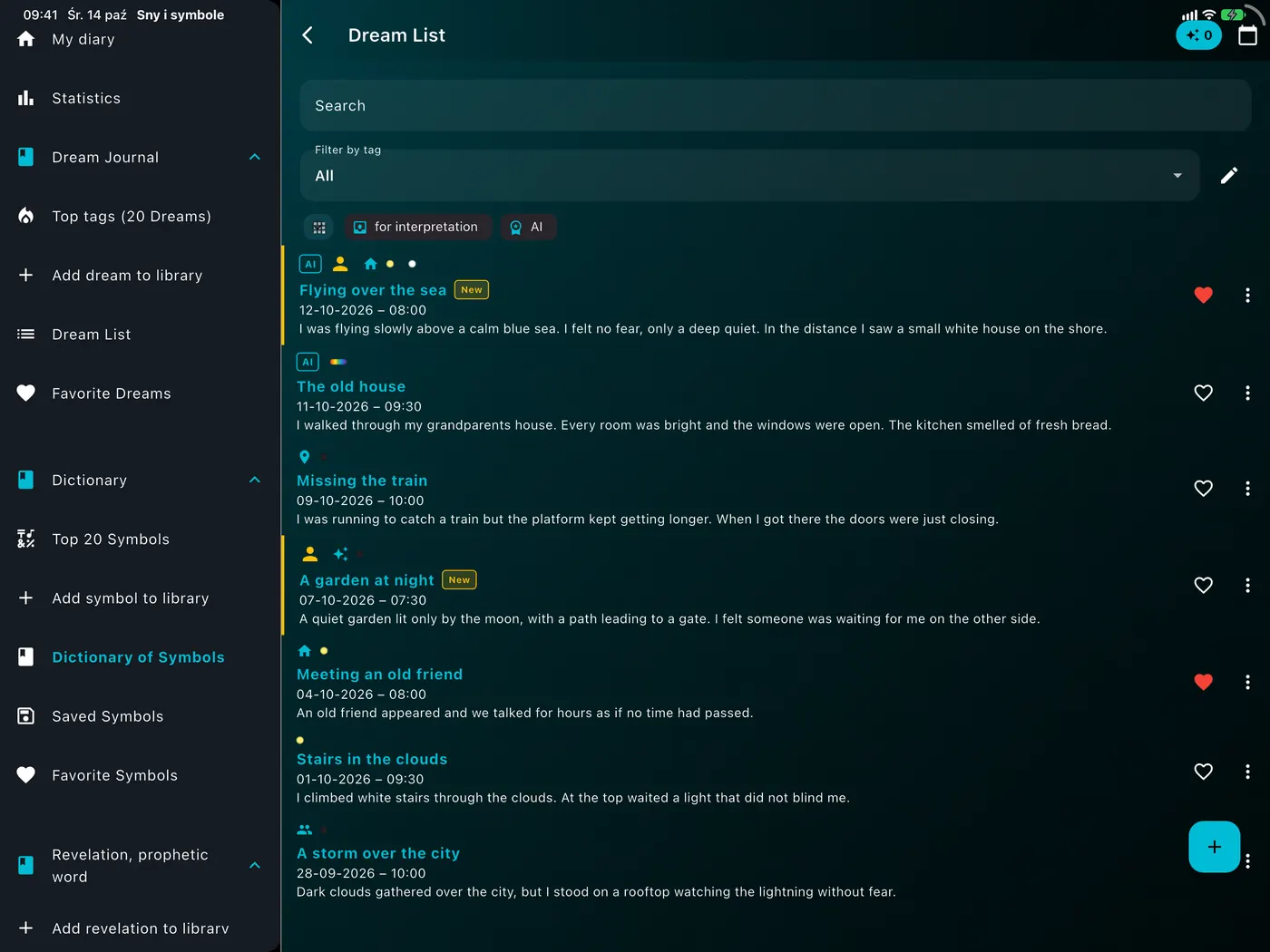
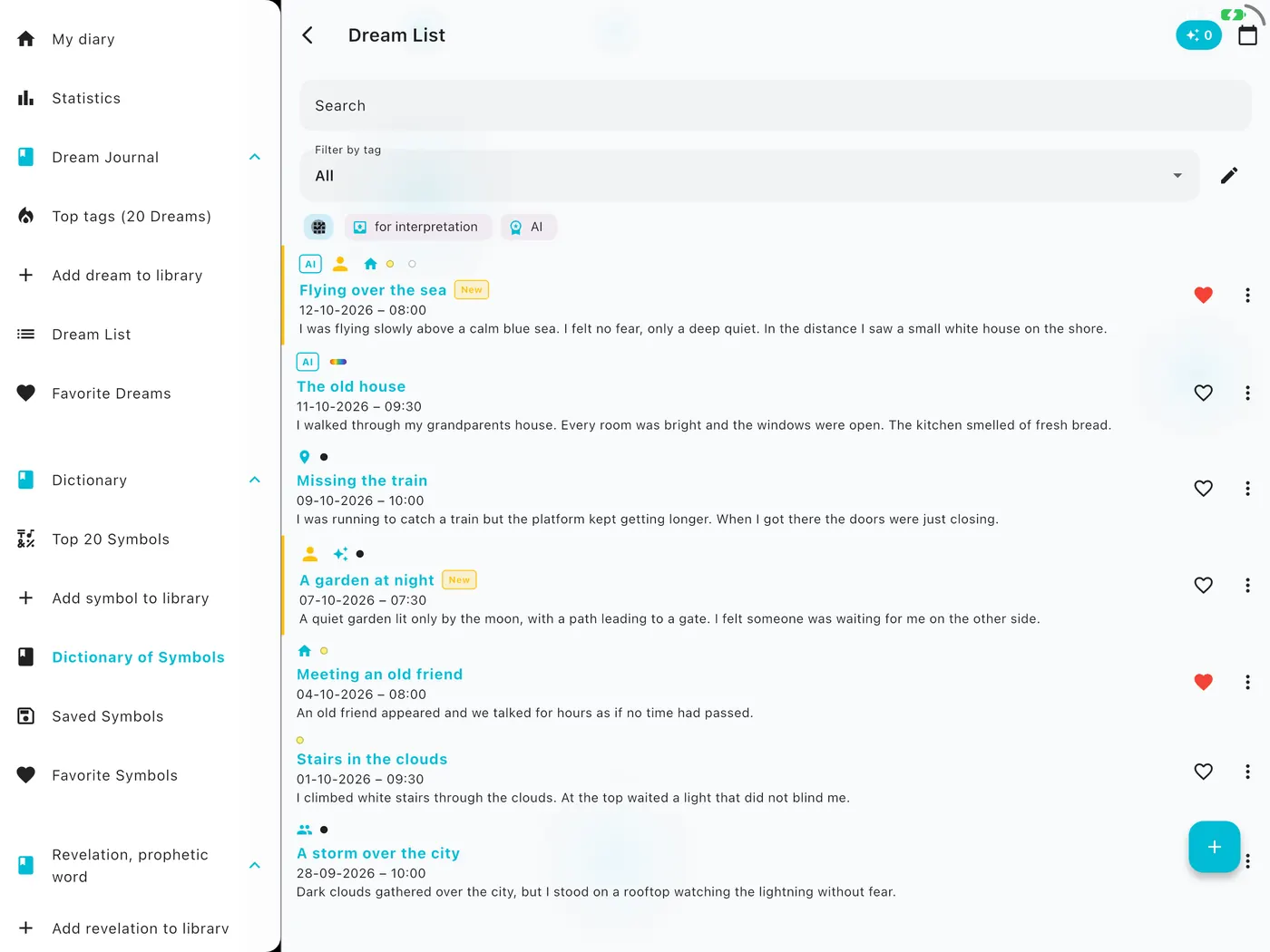
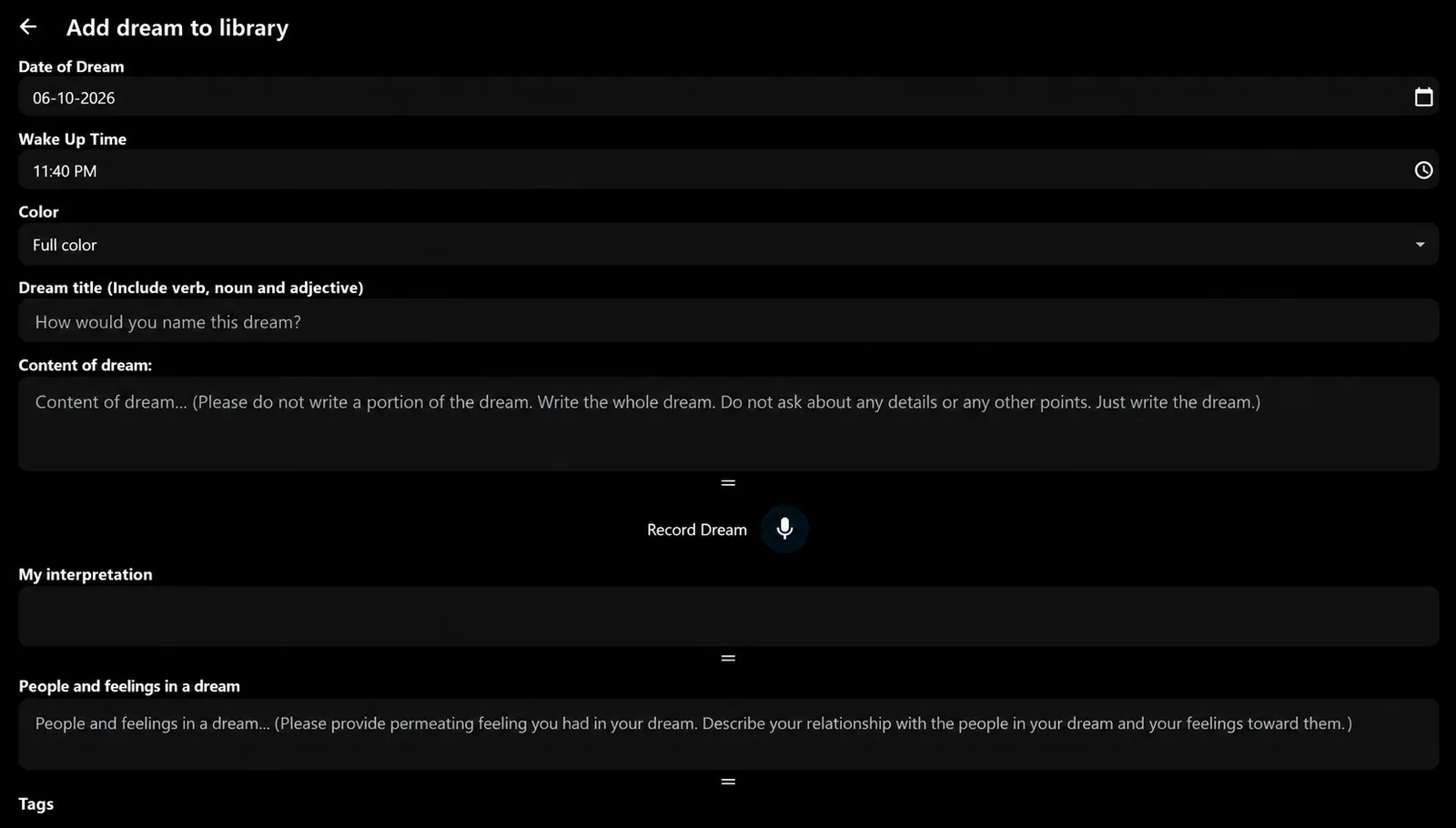
Capture a dream in seconds

Type it or dictate it and turn the recording into text. Add the people and feelings in the dream, its colors, tags and your own interpretation.

  • Search, tags, colors and favorites
  • Quick filters: for interpretation, with AI analysis
  • Saved on your device and synced with your account
AI dream analysisAI dream analysis
02 / 09

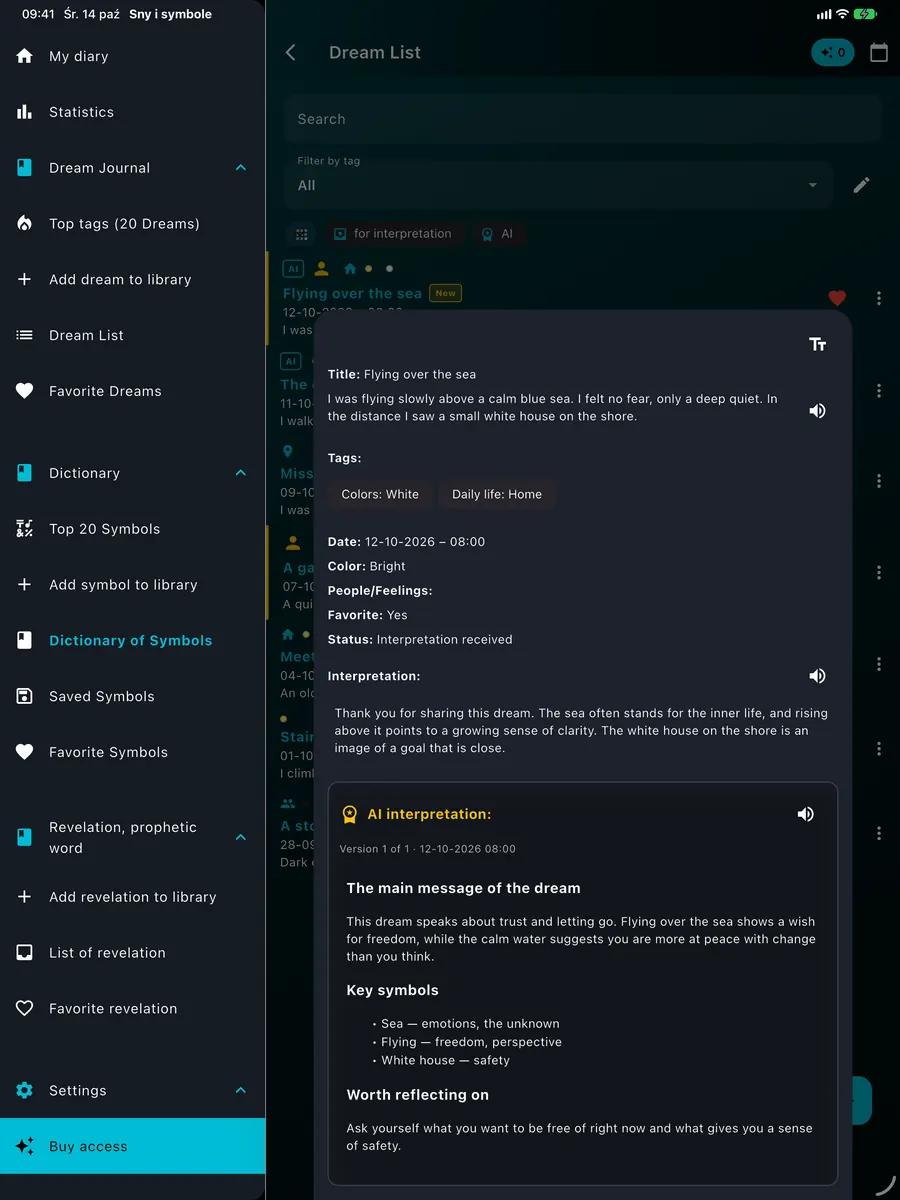
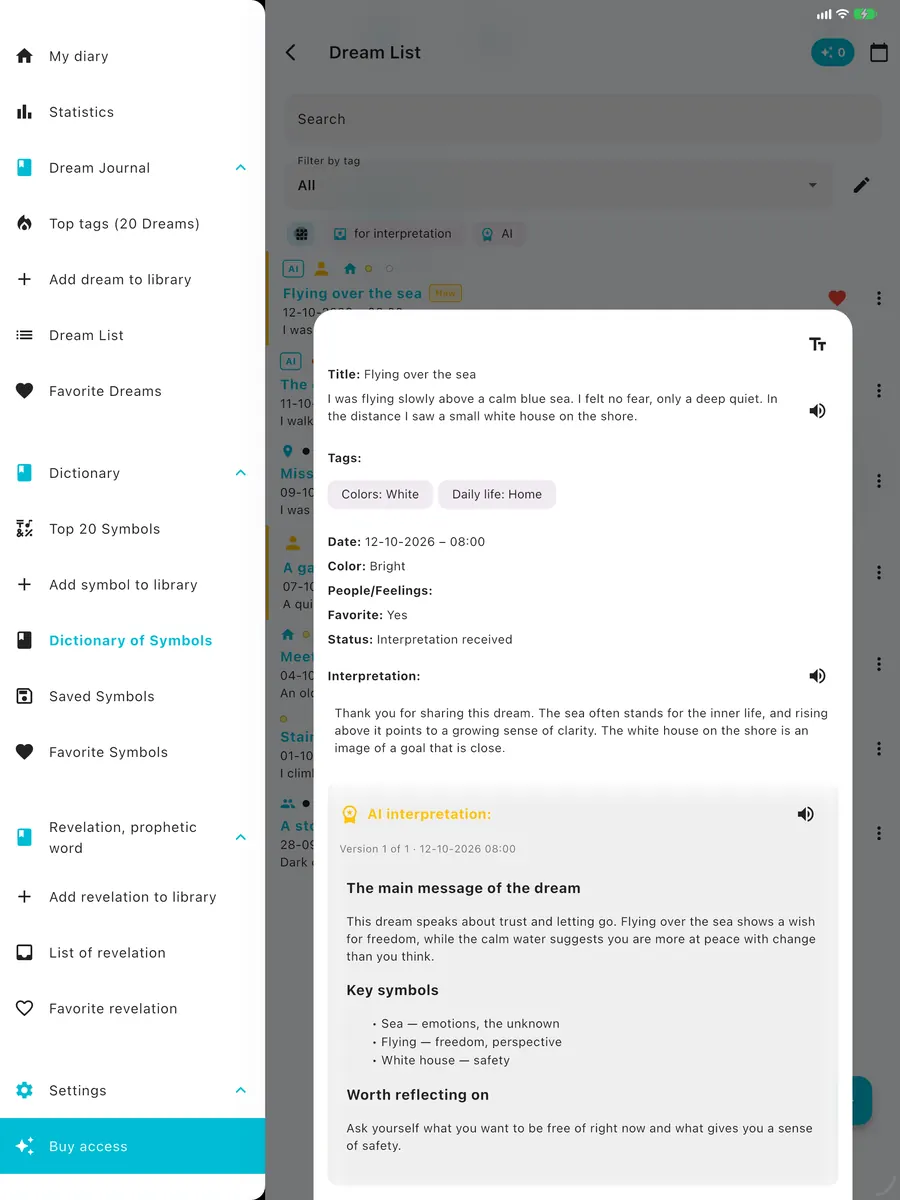
AI dream analysis

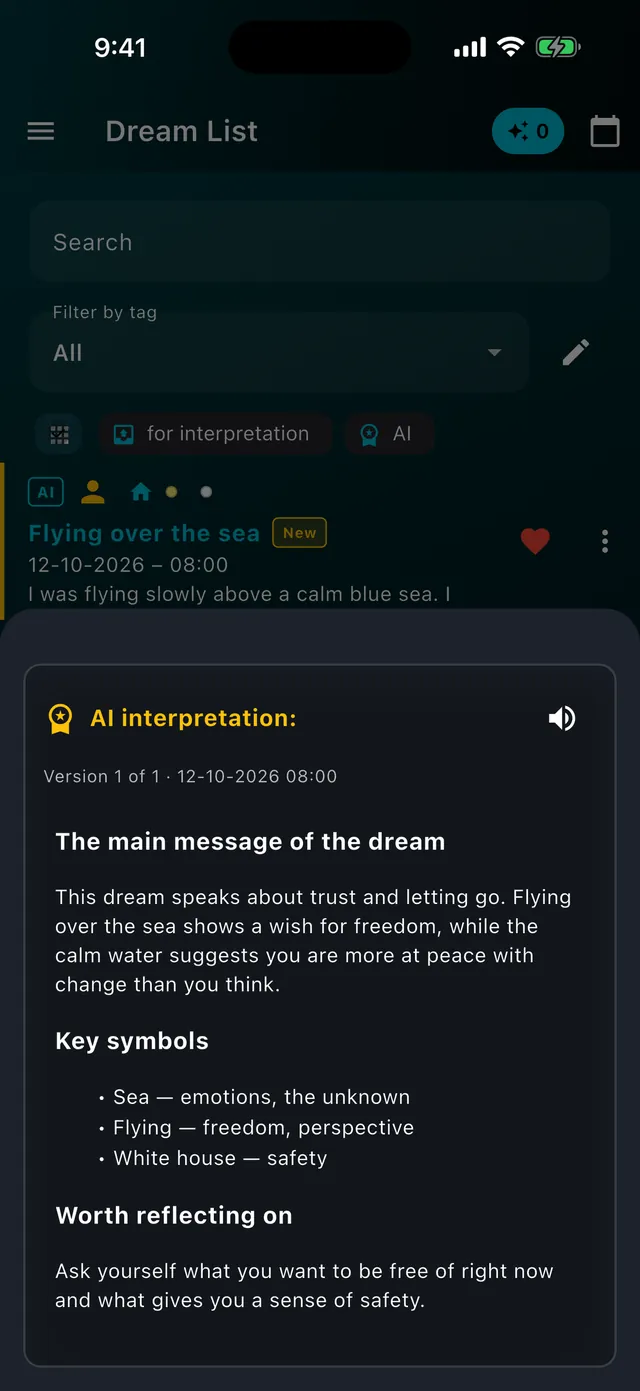
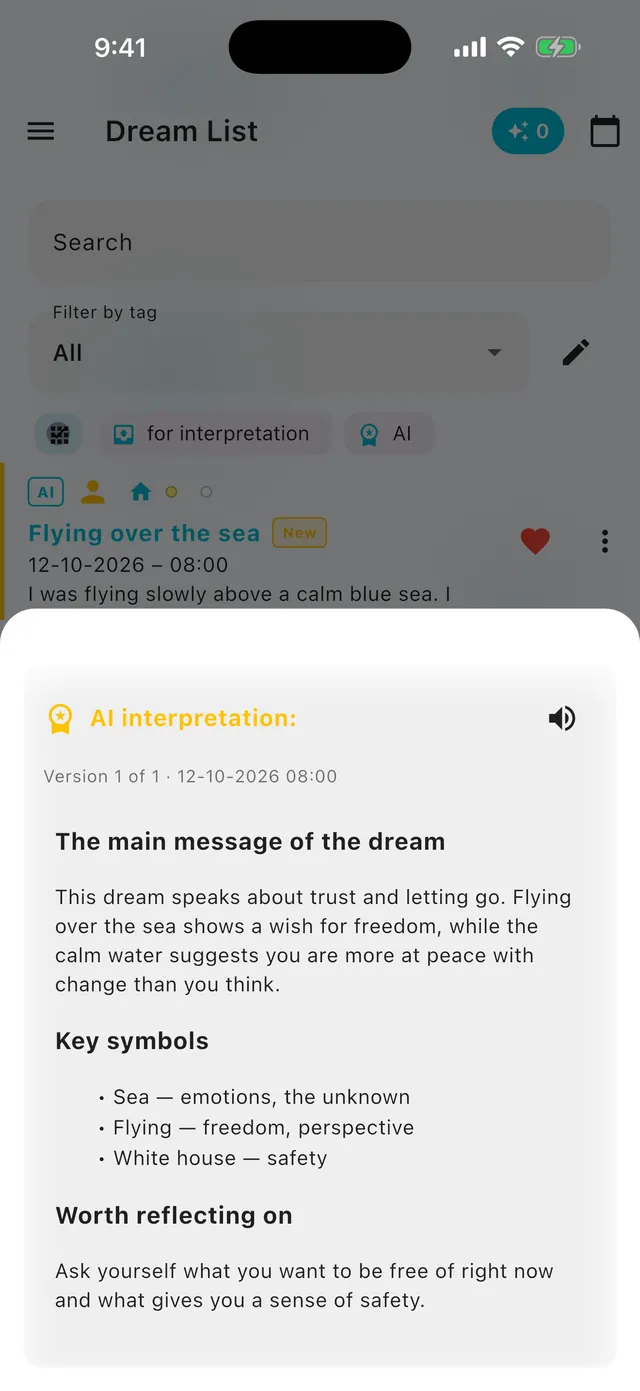
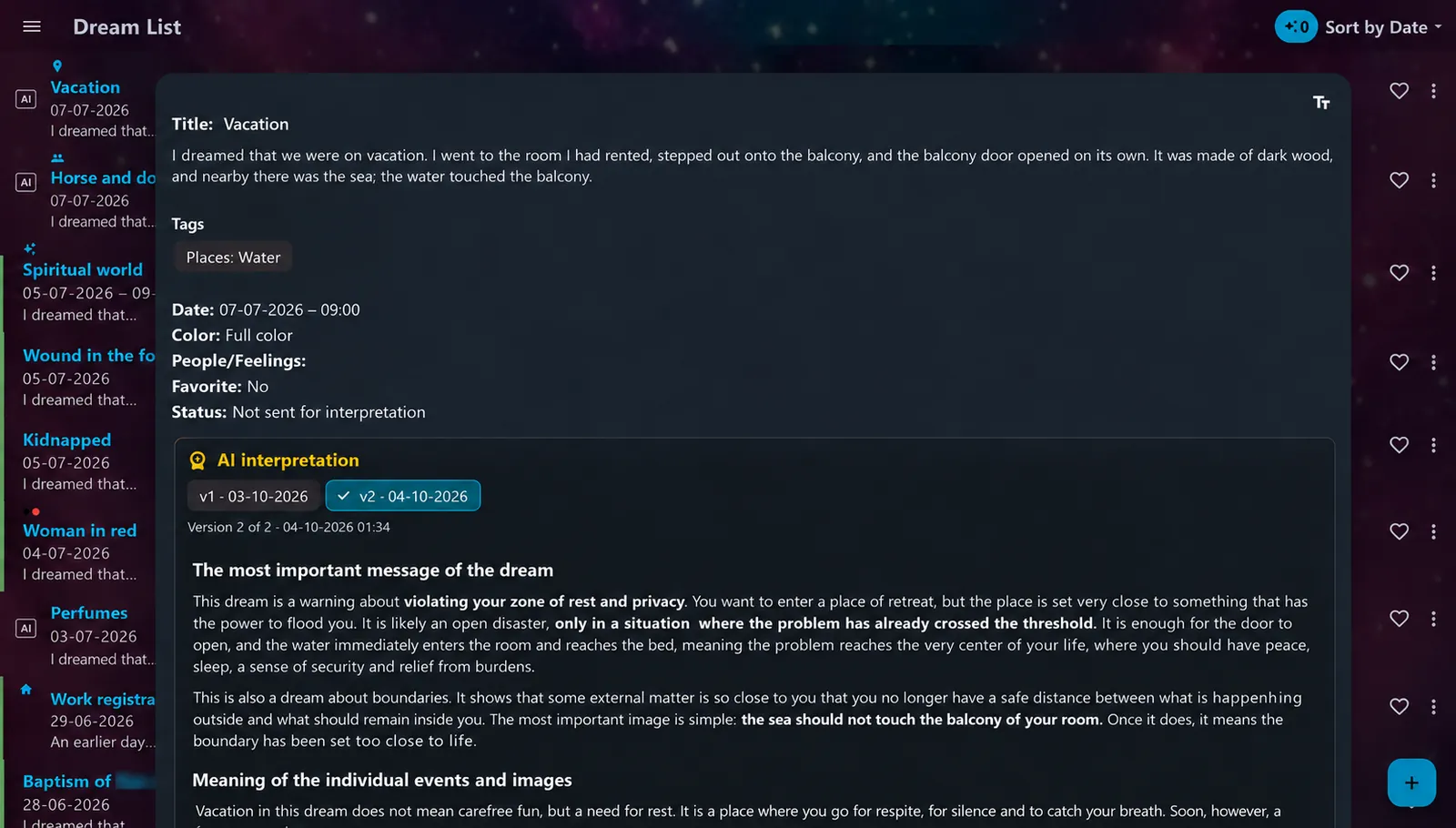
A detailed reading of your dream

The text analysis is based on the whole story, your feelings and your earlier dreams. Every new analysis is saved as another version so you can compare them.

  • Versions of analyses to compare
  • A notification when the result is ready
  • Inspiration for reflection, not a prediction
Expert interpretationExpert interpretation
03 / 09

Expert interpretation

An answer from a real person

Send a dream or revelation to a specialist and receive the answer in the app, with a notification when it is ready.

  • One-time purchase per dream or revelation
  • The answer is read in the app
  • AI and human badges on your lists
Revelations journalRevelations journal
04 / 09

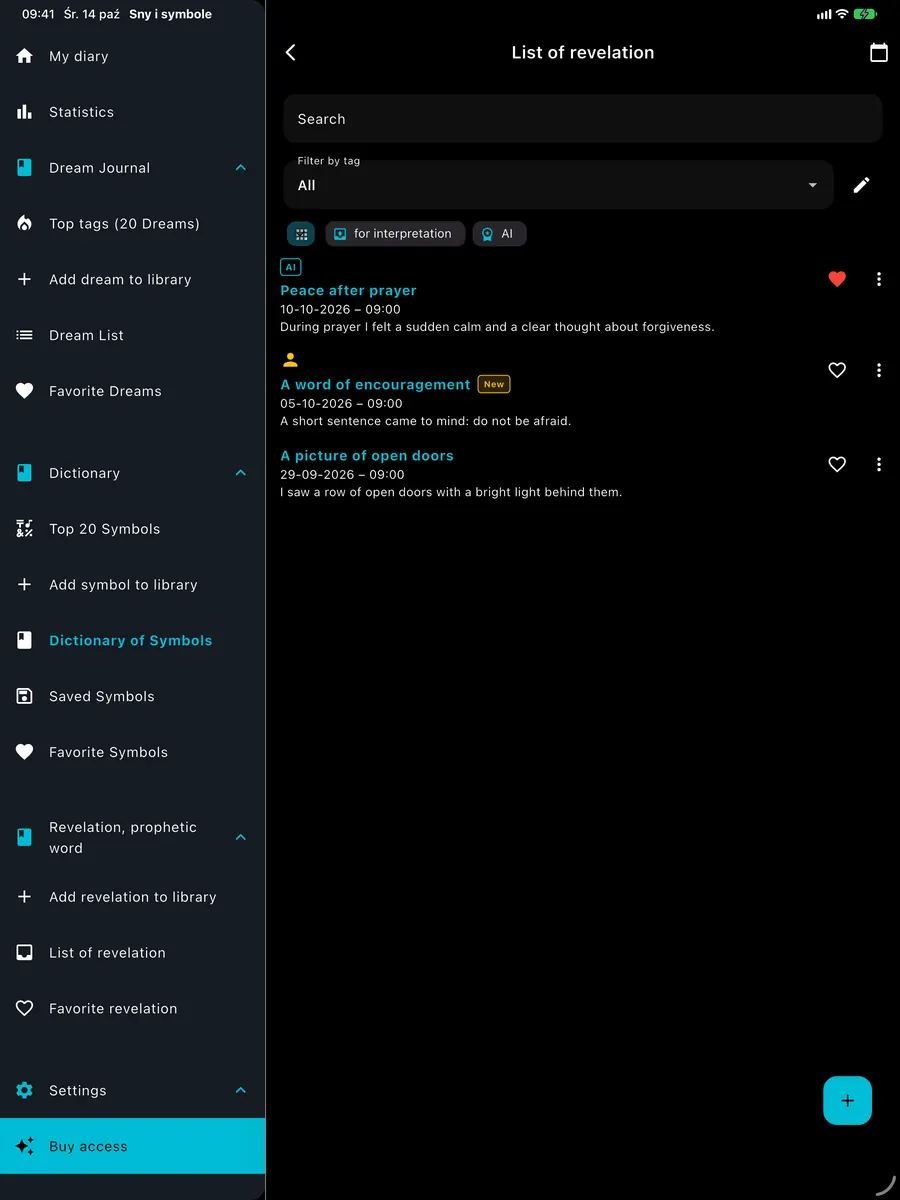
Revelations journal

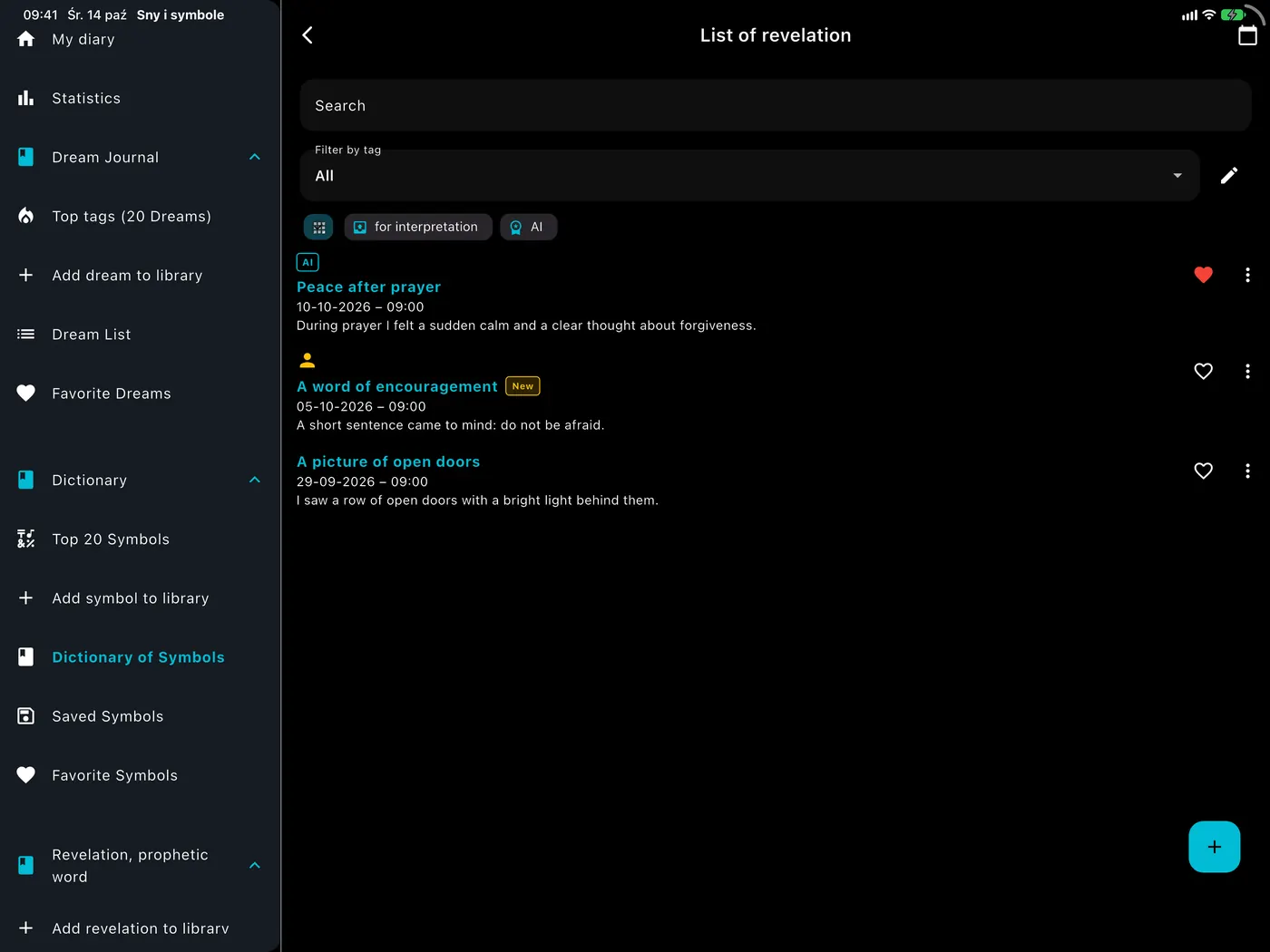
Words, visions and impressions

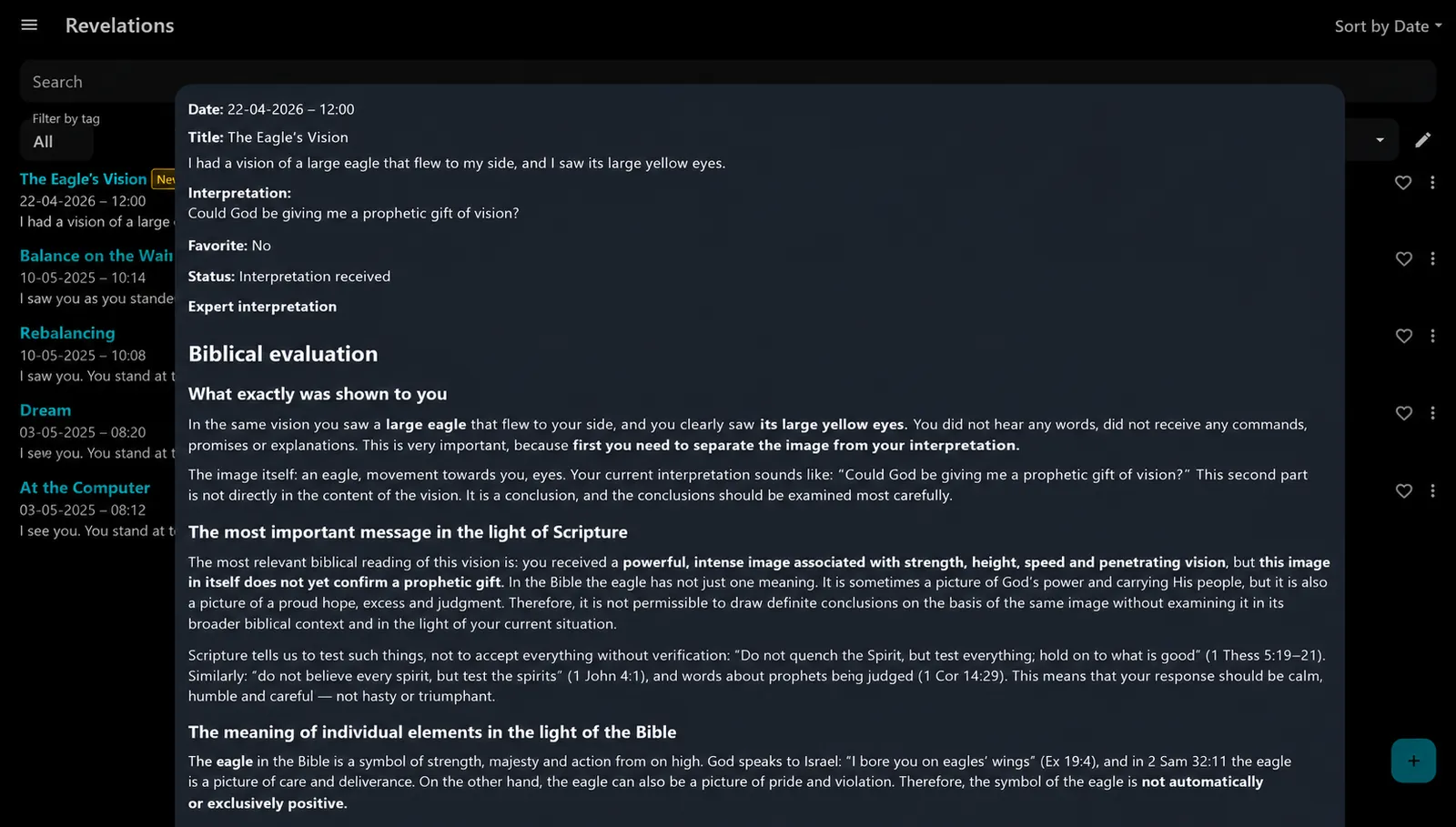
Record important spiritual experiences and receive an evaluation in two clearly separated parts: the natural meaning for everyone and, for believers, a biblical evaluation based on Scripture.

  • Two-part evaluation: natural and biblical
  • The same tools as the dream journal
  • Private, on your device
Symbol dictionarySymbol dictionary
05 / 09

Symbol dictionary

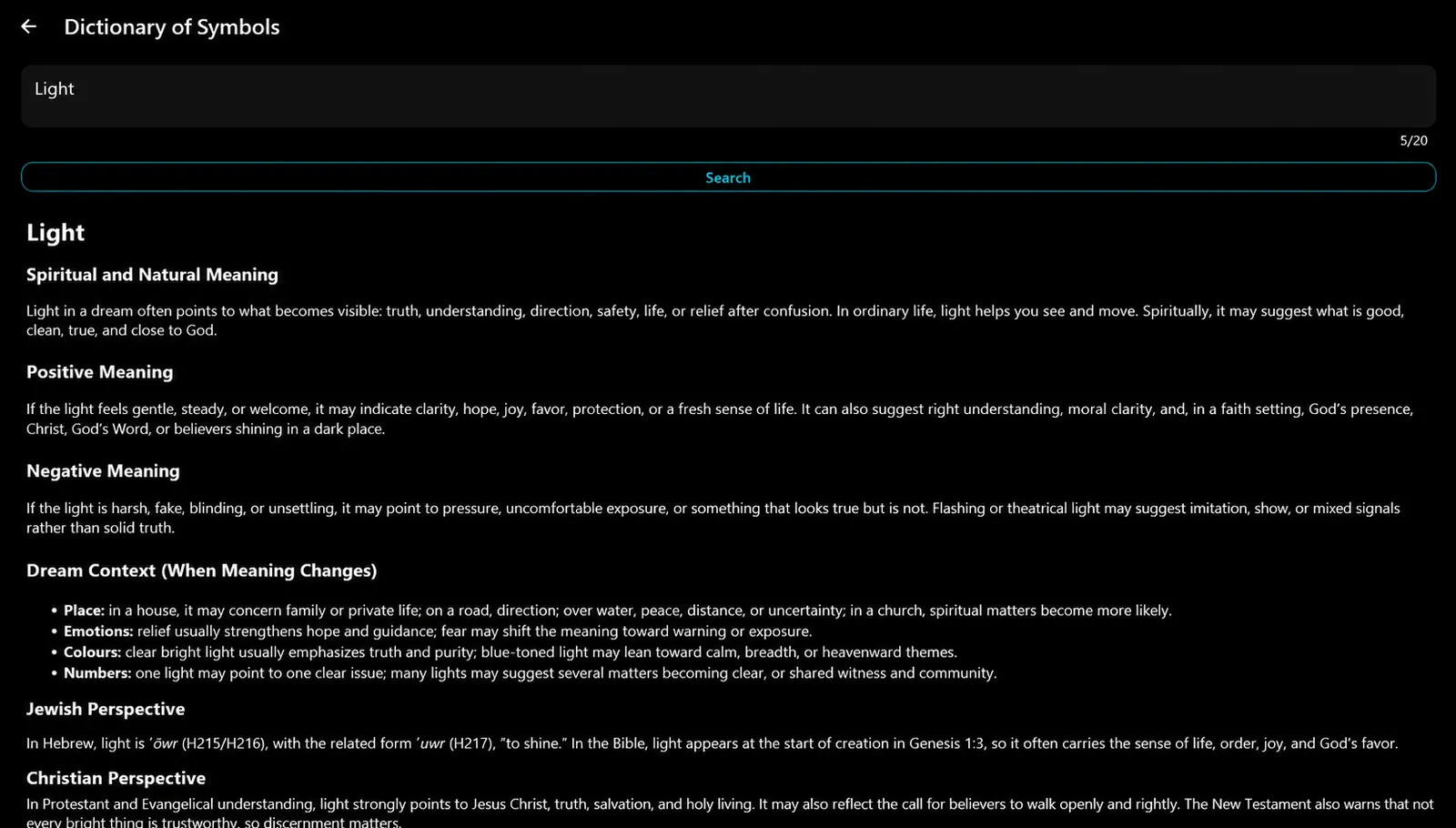
Look up a symbol, color, number, place or name

See the natural meaning, positive and negative sides and how the meaning shifts in a dream. Natural, Hebrew and biblical meanings.

  • Save favorites and build your own dictionary
  • Your first symbol lookup is free
  • Meanings of colors, numbers, places and names
Journal reportJournal report
06 / 09

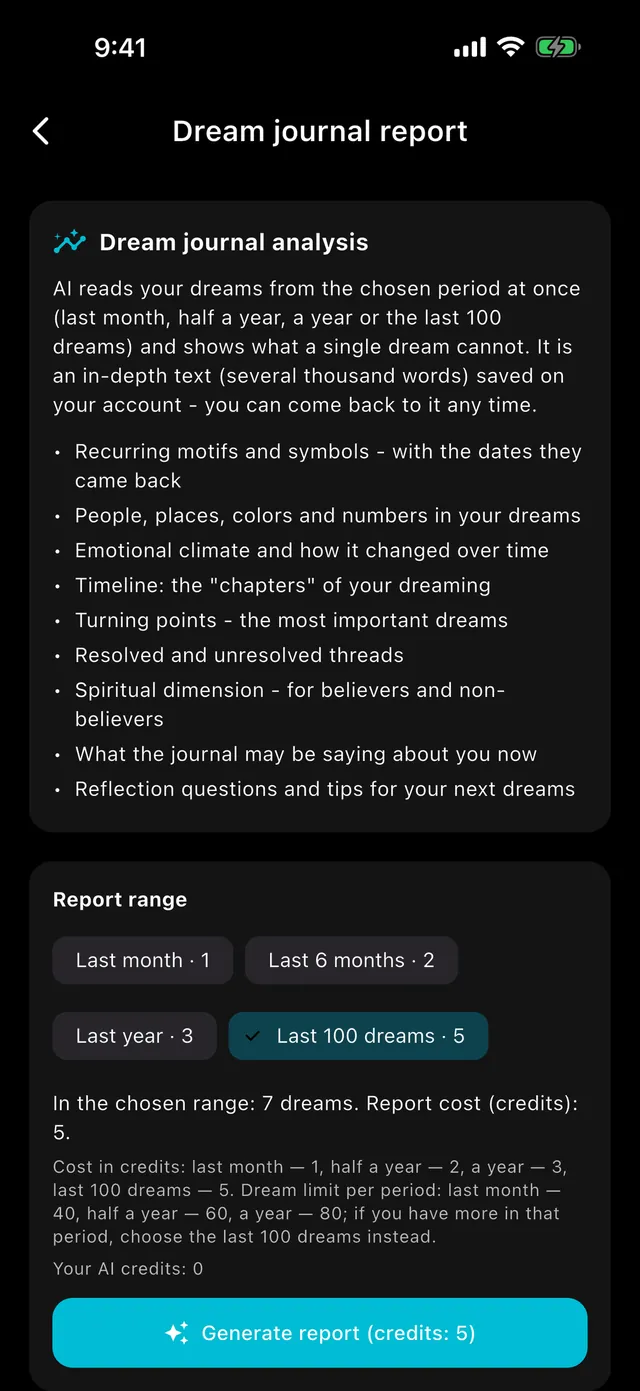
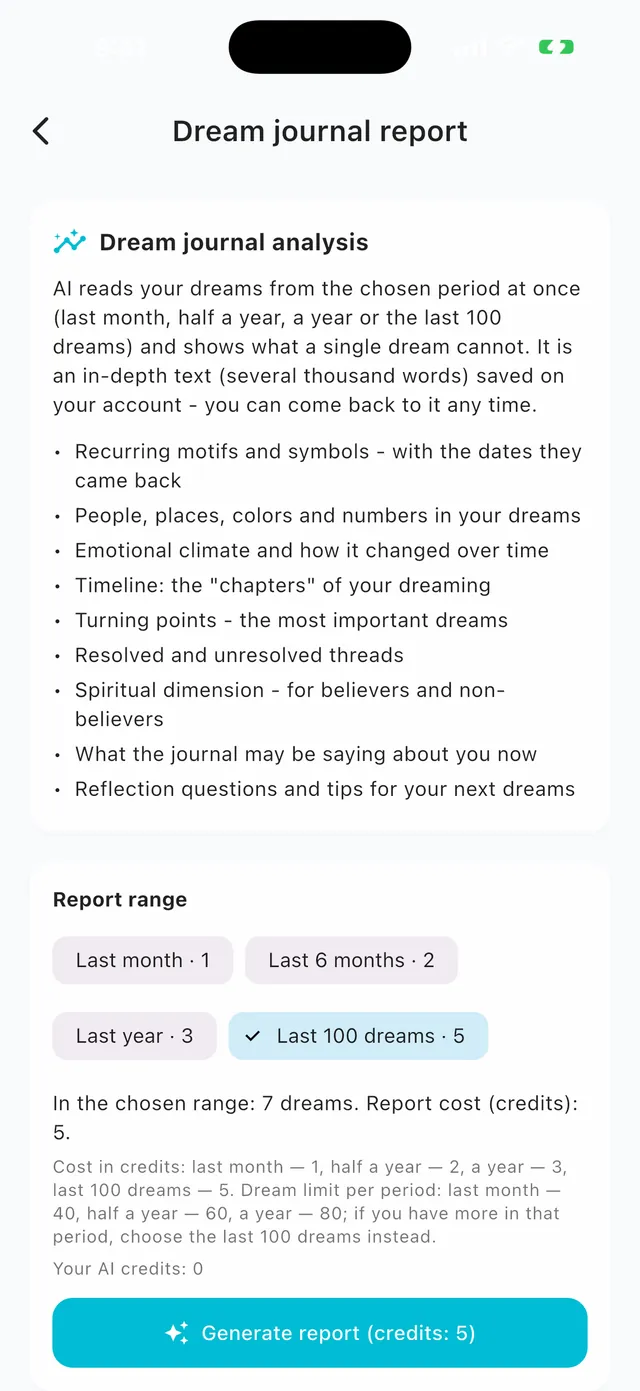
Journal report

See the whole picture

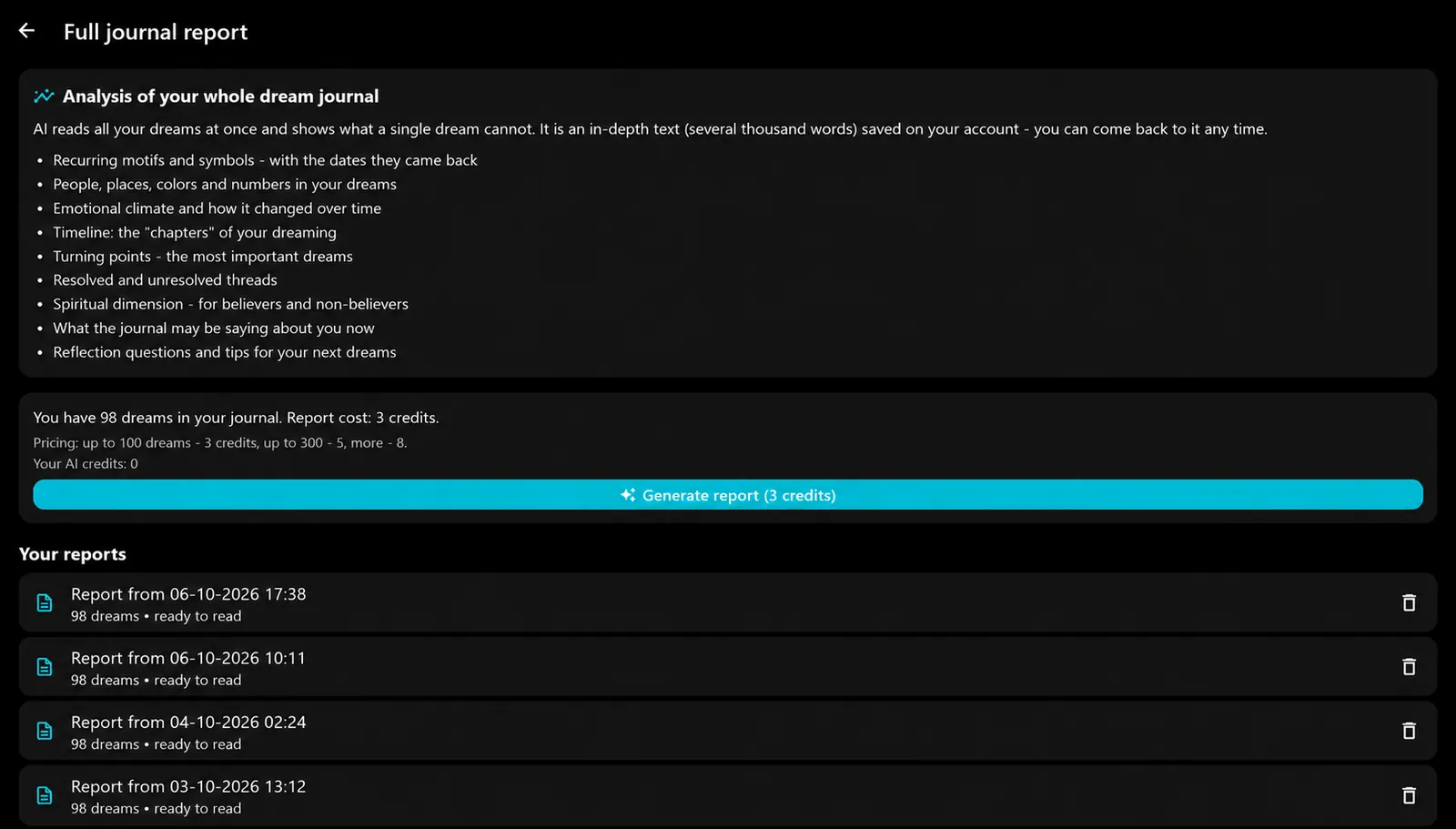
The report spots recurring themes, people, places and colors, the emotional tone, a timeline and turning points in your dreams.

  • Last month, six months, a year or the last 100 dreams
  • Resolved and unresolved threads
  • Questions to reflect on for the nights ahead
Statistics and calendarStatistics and calendar
07 / 09

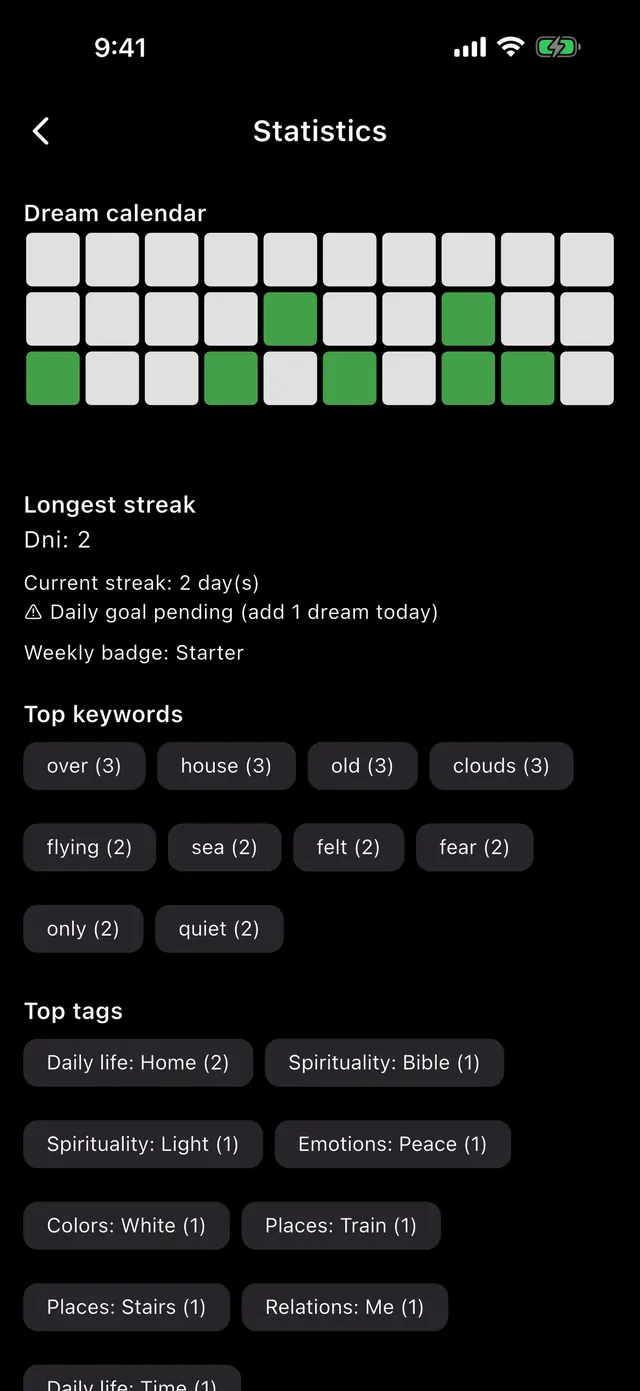
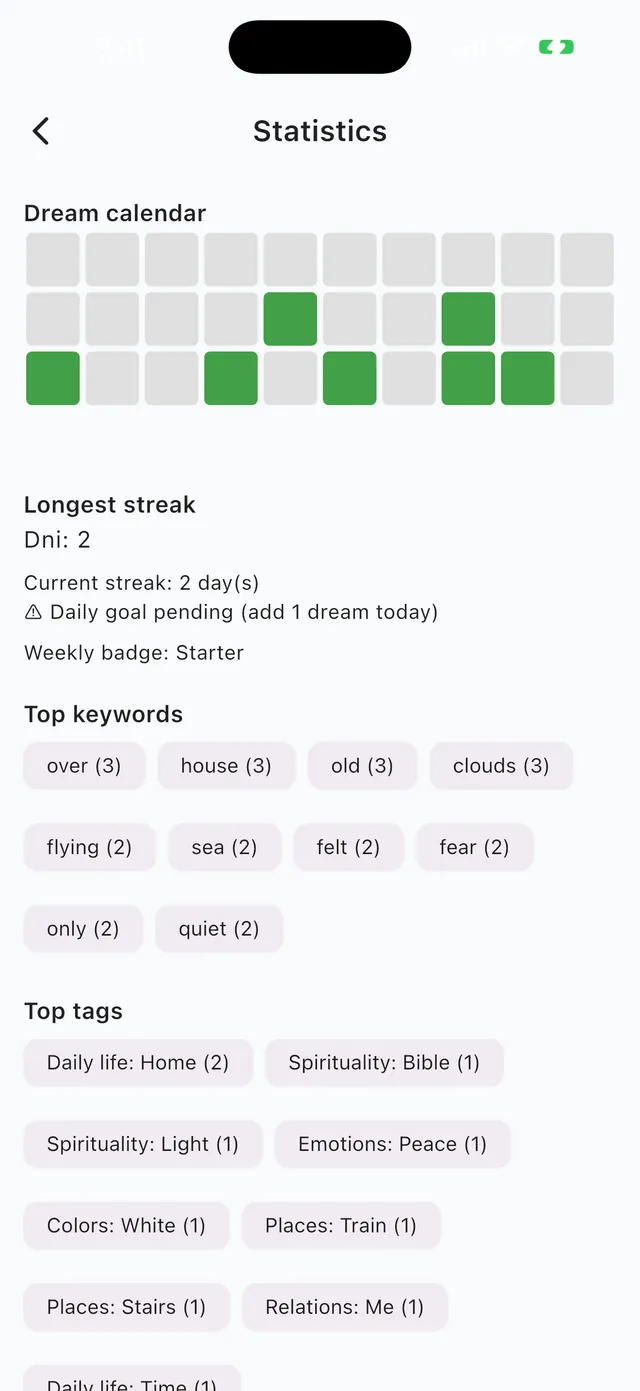
Statistics and calendar

Your dream rhythm in numbers

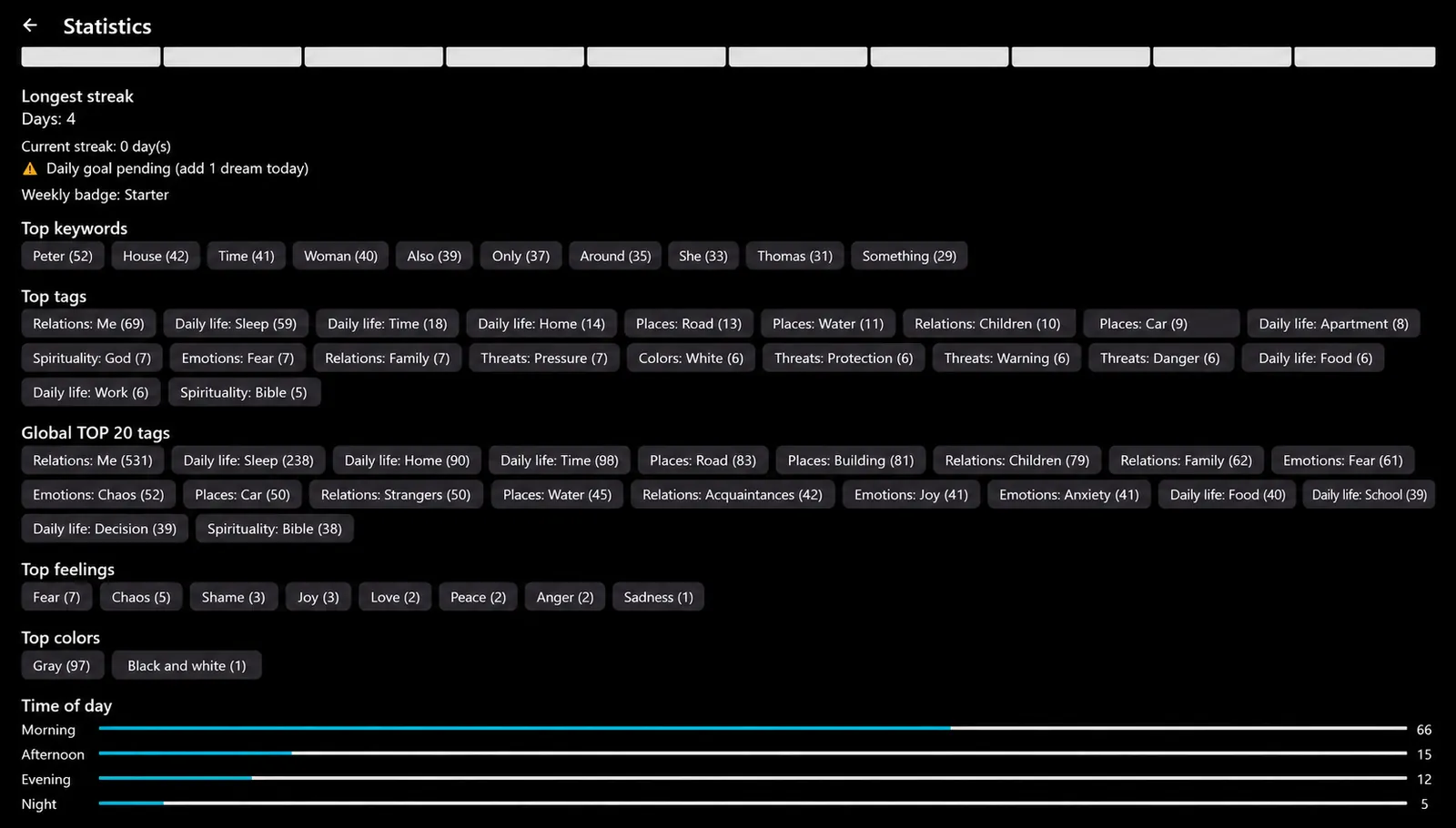
A dream calendar, streaks, the most frequent keywords and tags help you find any dream quickly and see what keeps returning.

  • Dream calendar and day streaks
  • Most frequent keywords and tags
  • Daily goal: one dream
Read aloudRead aloud
08 / 09

Read aloud

Listen to your dreams

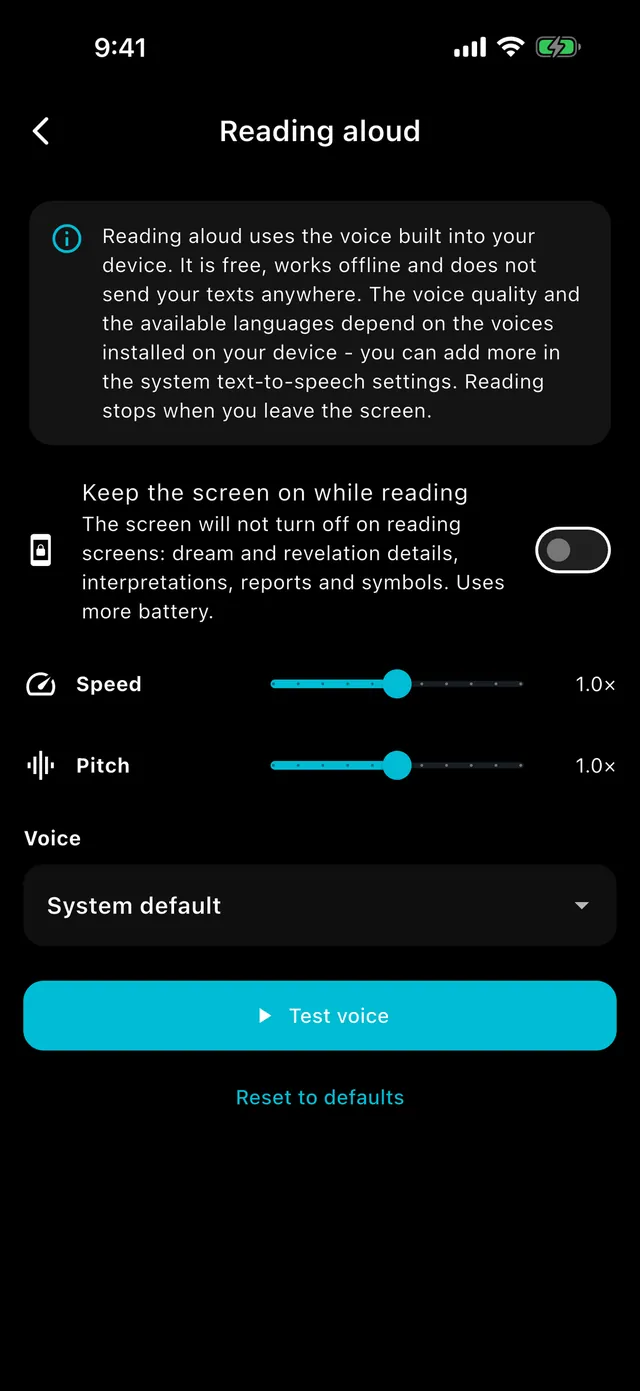
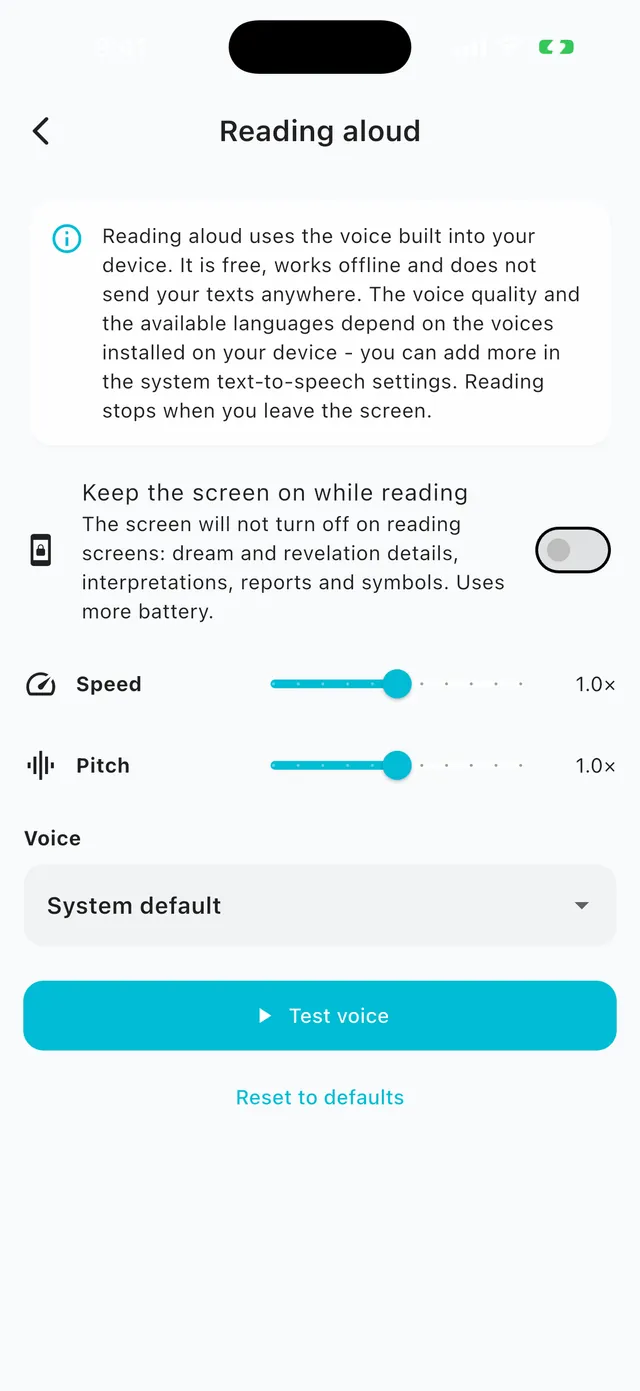
Listen to dreams, revelations, symbols and AI analysis. It works offline, free of charge, with your device’s voice. Choose the voice, speed and pitch in settings.

  • Works without internet too
  • A “keep screen on” option
  • On Apple Watch as well
Looks the way you likeLooks the way you like
09 / 09

Looks the way you like

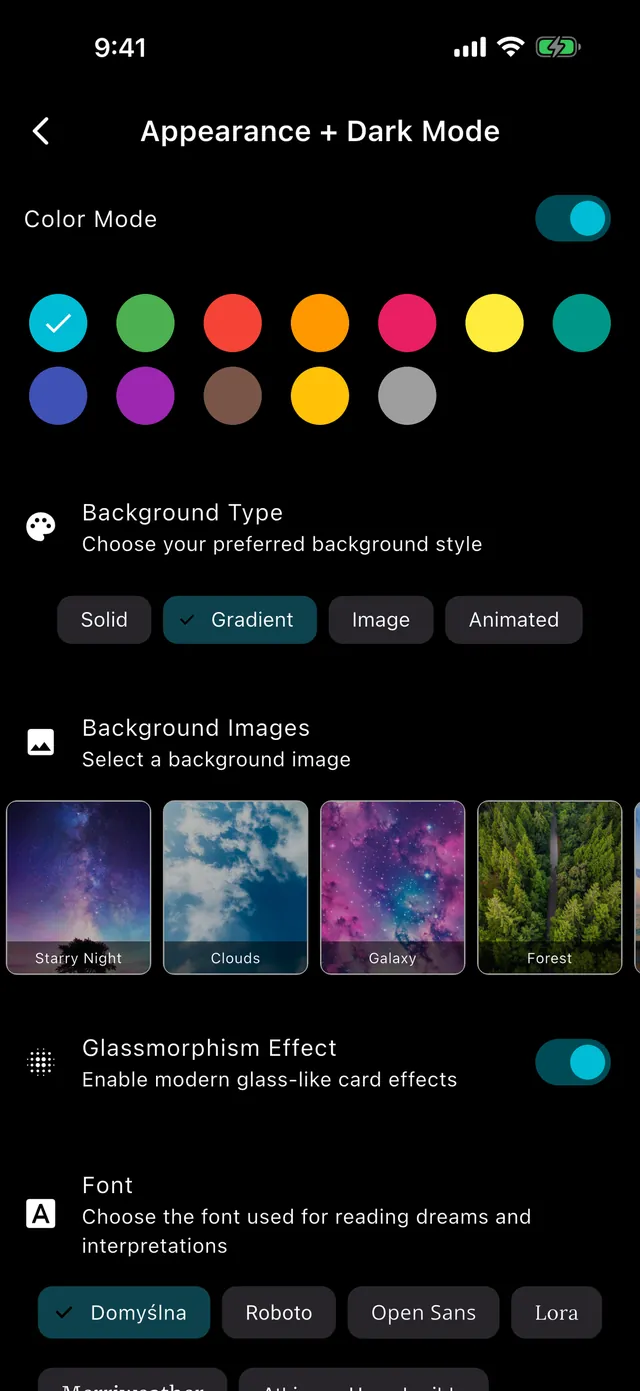
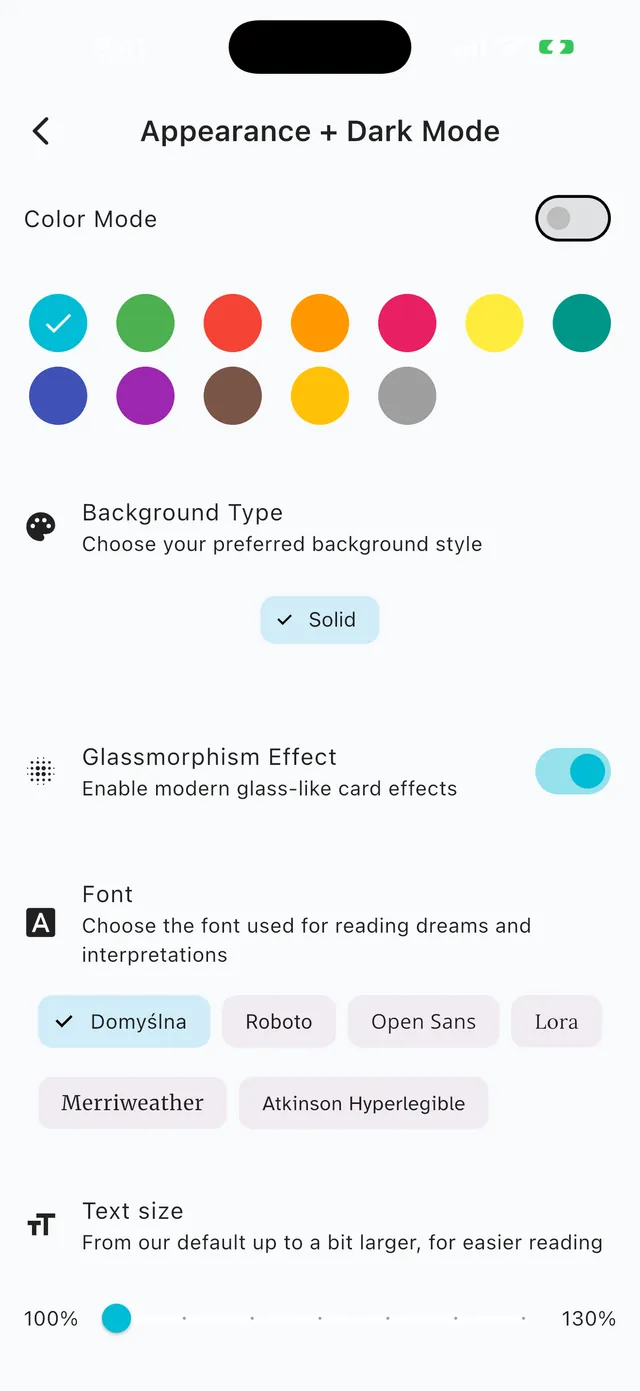
Dark and light theme, colors, backgrounds

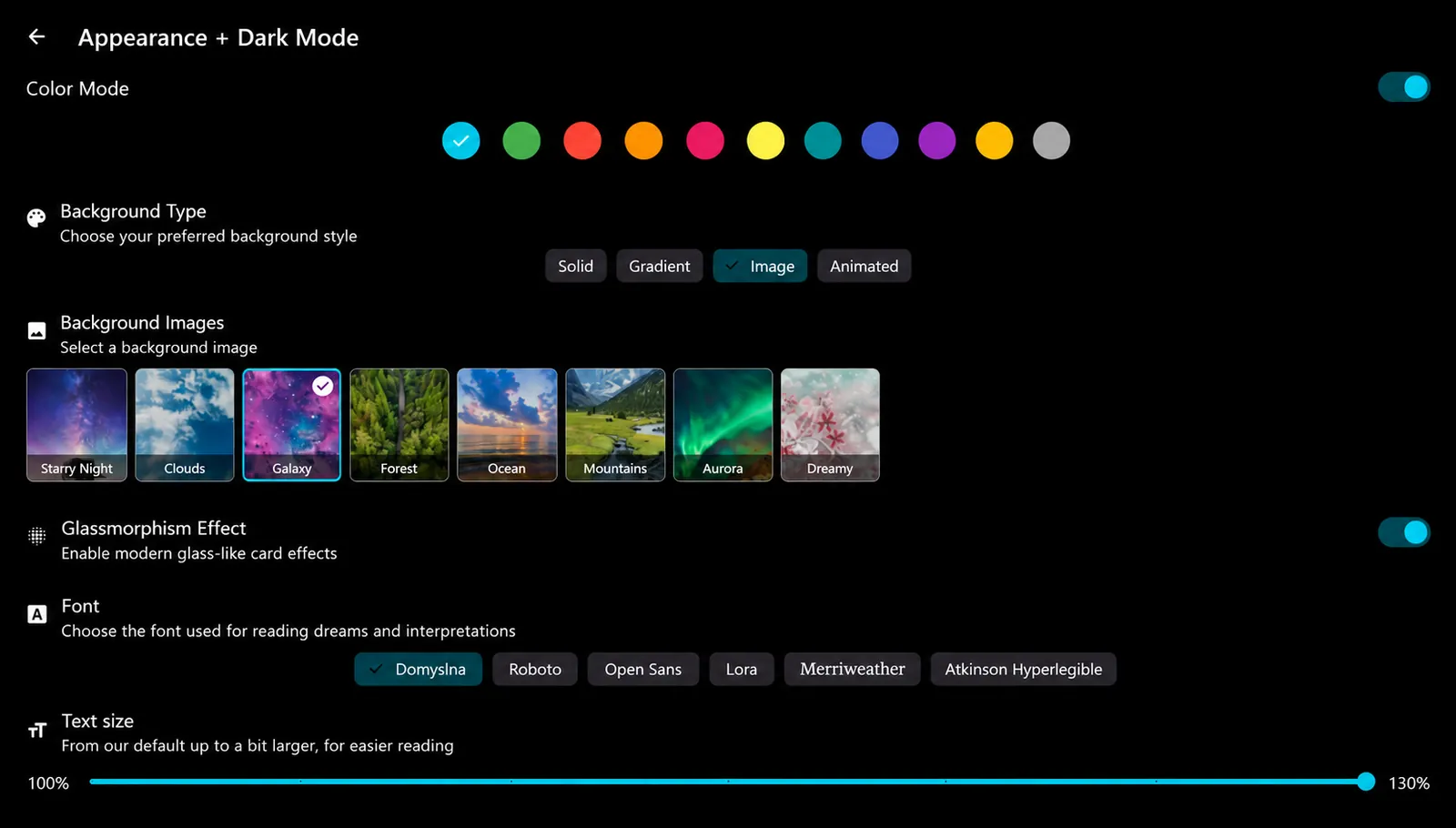
Dark or light mode, an accent color, a background (gradient, image, animated), a glass effect and a font chosen for comfortable reading.

  • Reminders to record your dream
  • App lock with a password
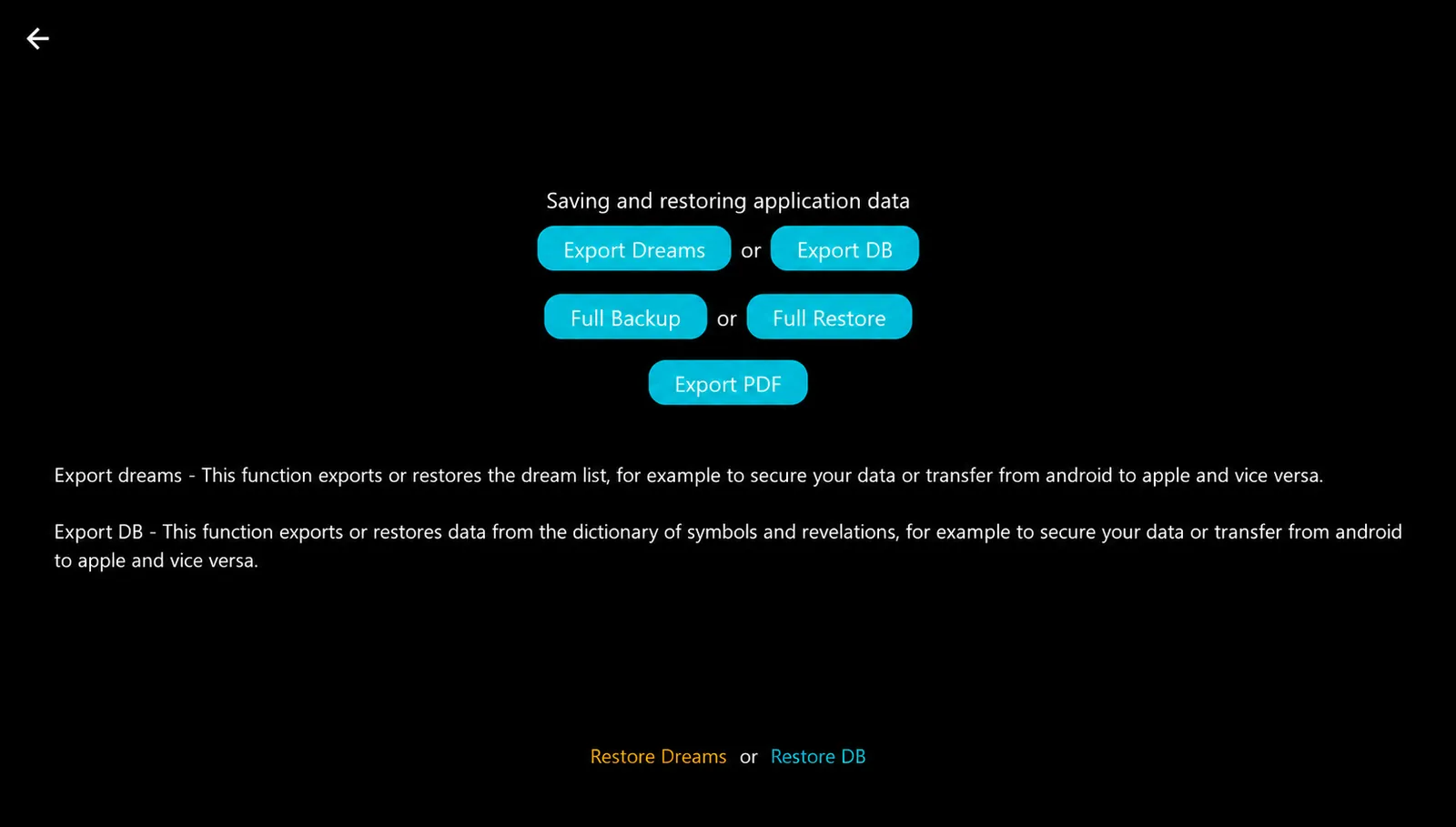
  • PDF export, backup and restore
Dream journalDream journal
AI dream analysisAI dream analysis
Expert interpretationExpert interpretation
Revelations journalRevelations journal
Symbol dictionarySymbol dictionary
Journal reportJournal report
Statistics and calendarStatistics and calendar
Read aloudRead aloud
Looks the way you likeLooks the way you like
In the details

Small things that make a difference.

Offline

The journal works without internet and syncs with your account.

Voice to text

Dictate a dream right after waking and turn the recording into text.

Password lock

Protect private entries from unauthorized access.

Reminders

A notification so you never forget to record a dream.

PDF and backups

Export to PDF, back up and restore your journal.

Anonymous

You can stay anonymous. You decide what is sent for AI analysis.

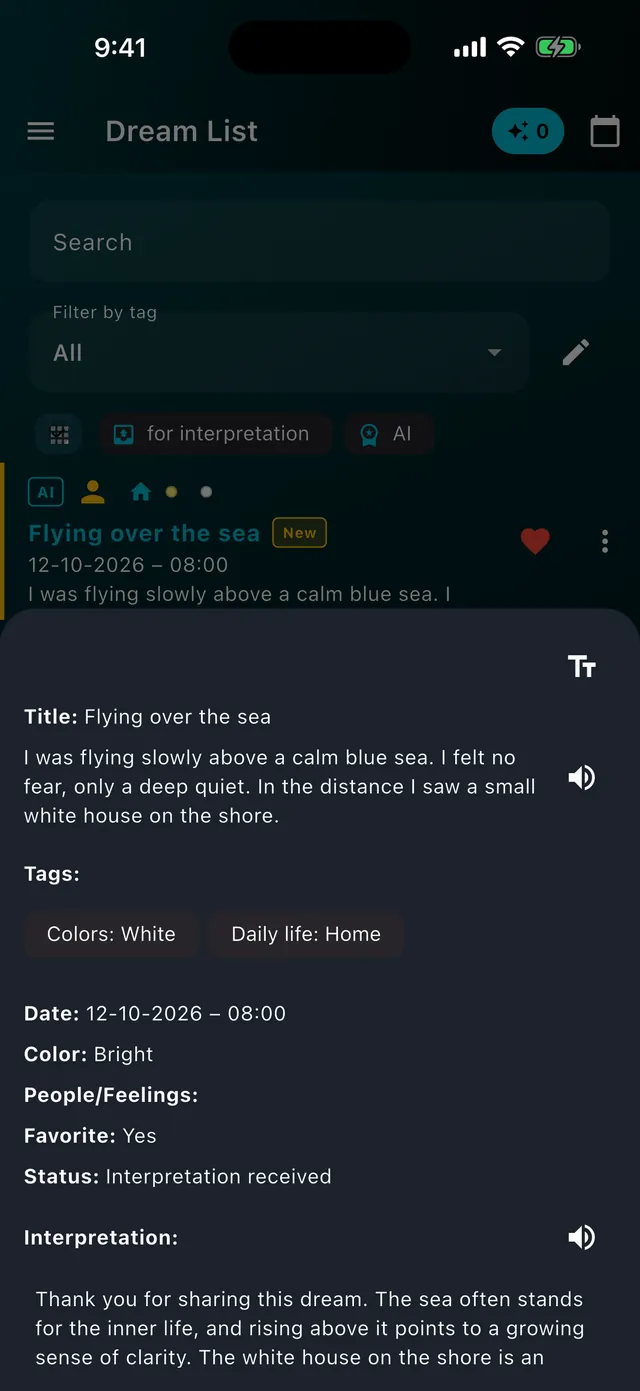
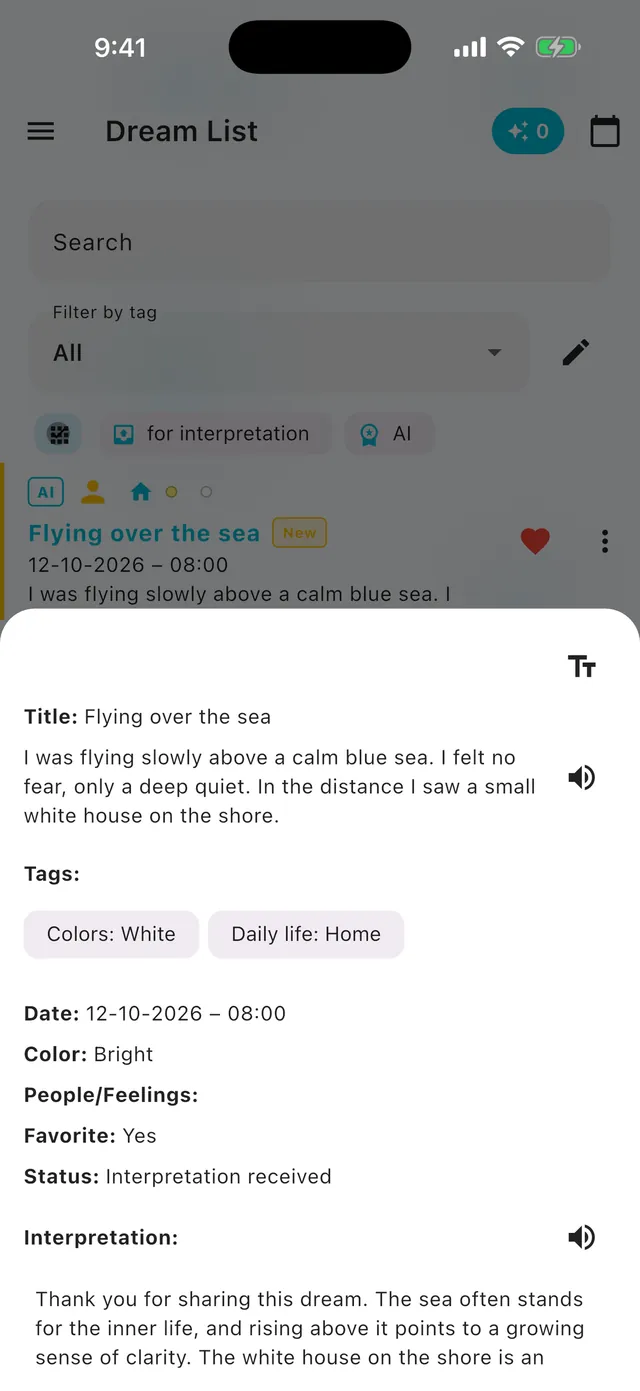
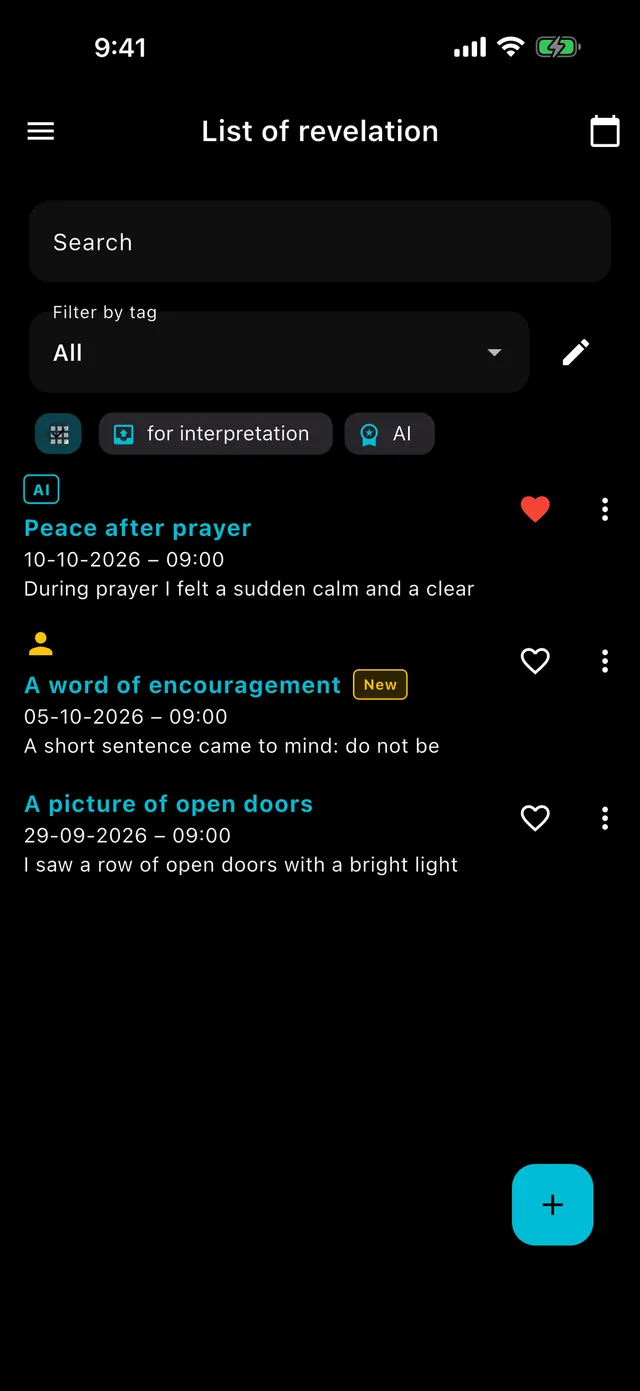
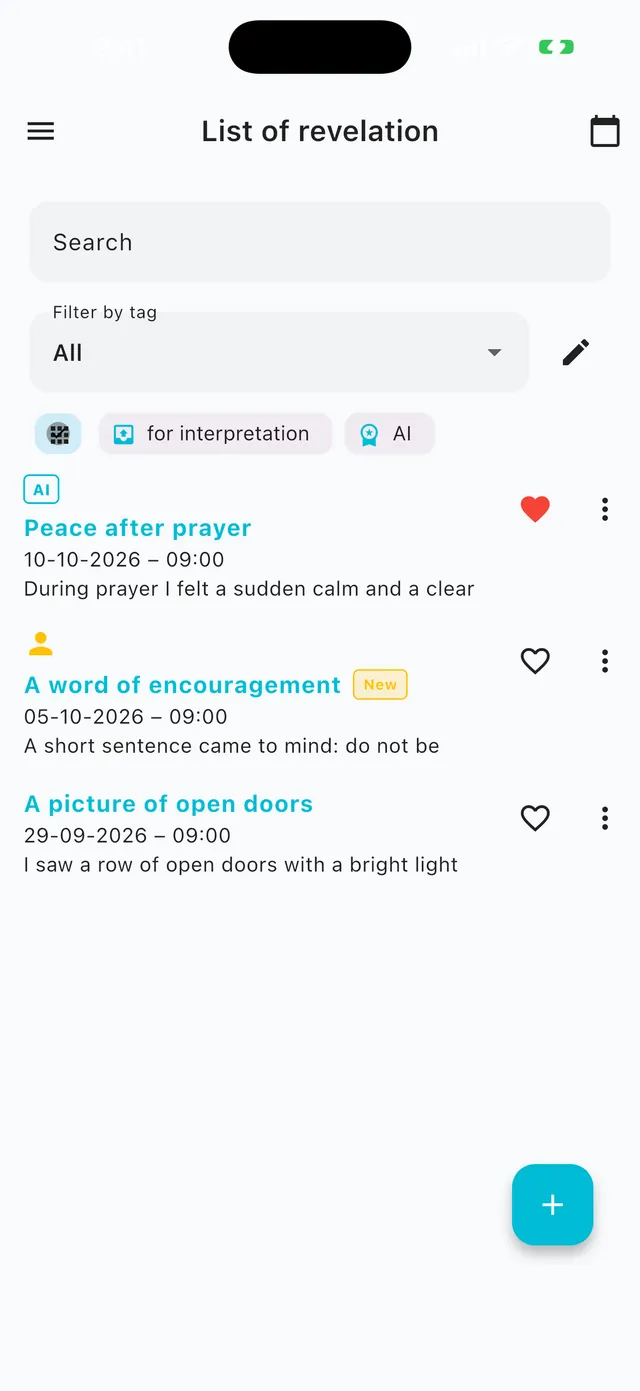
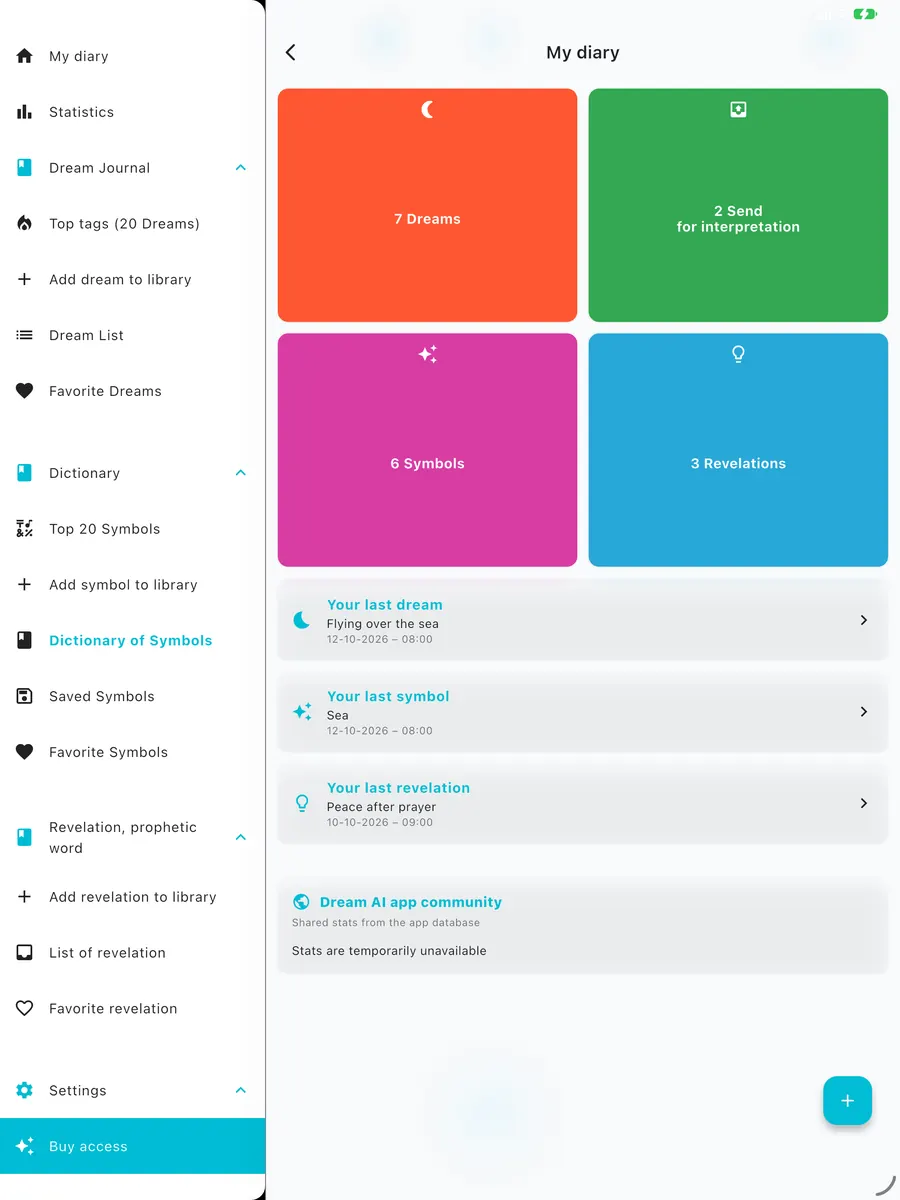
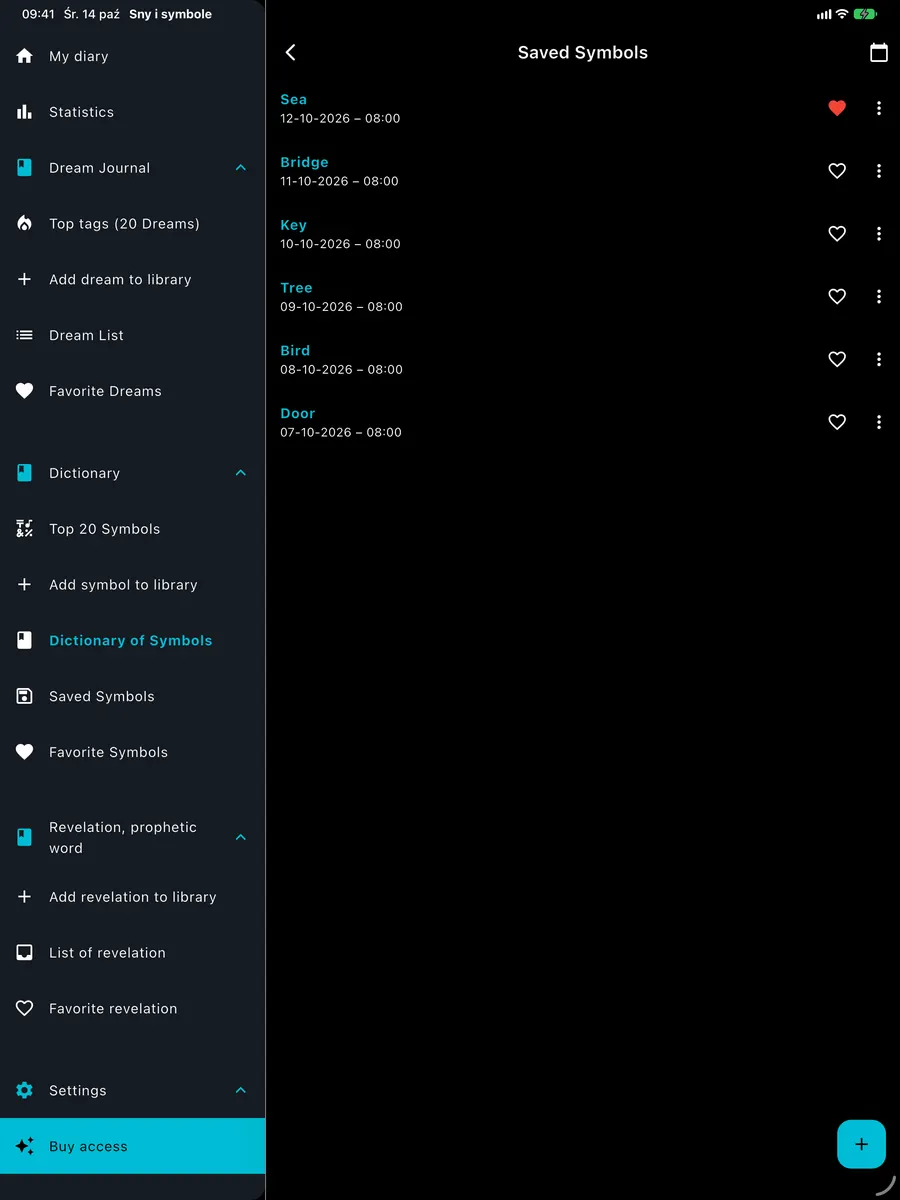
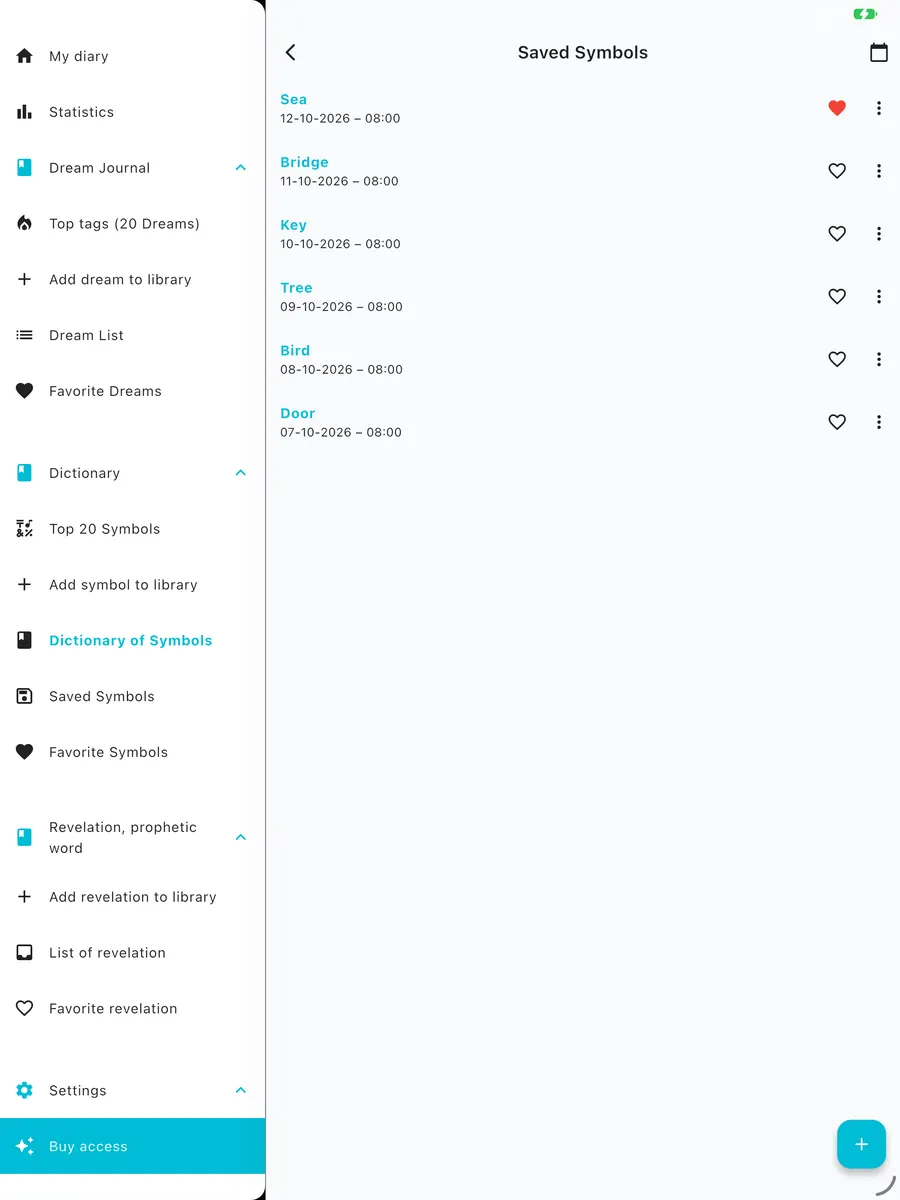
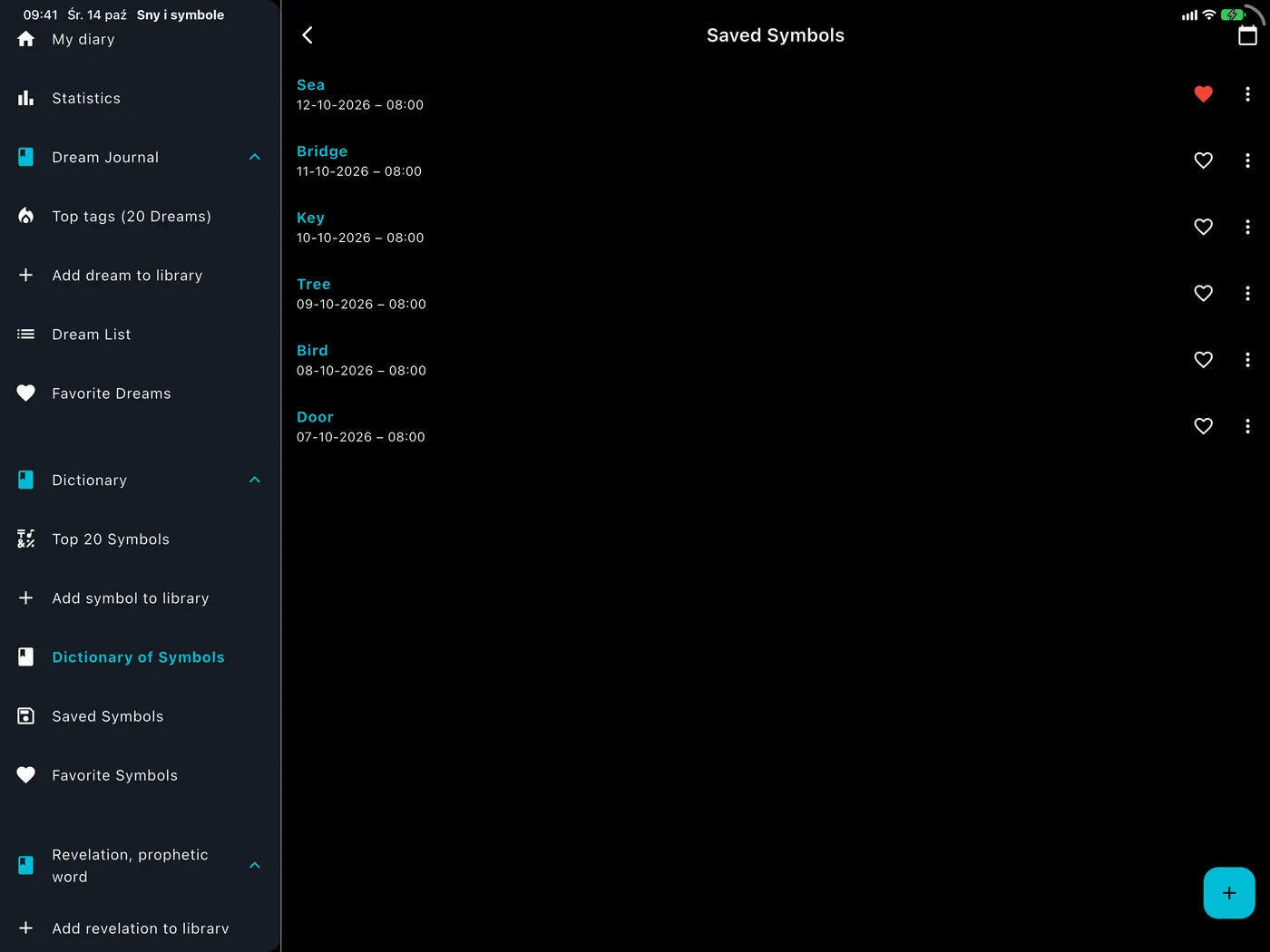
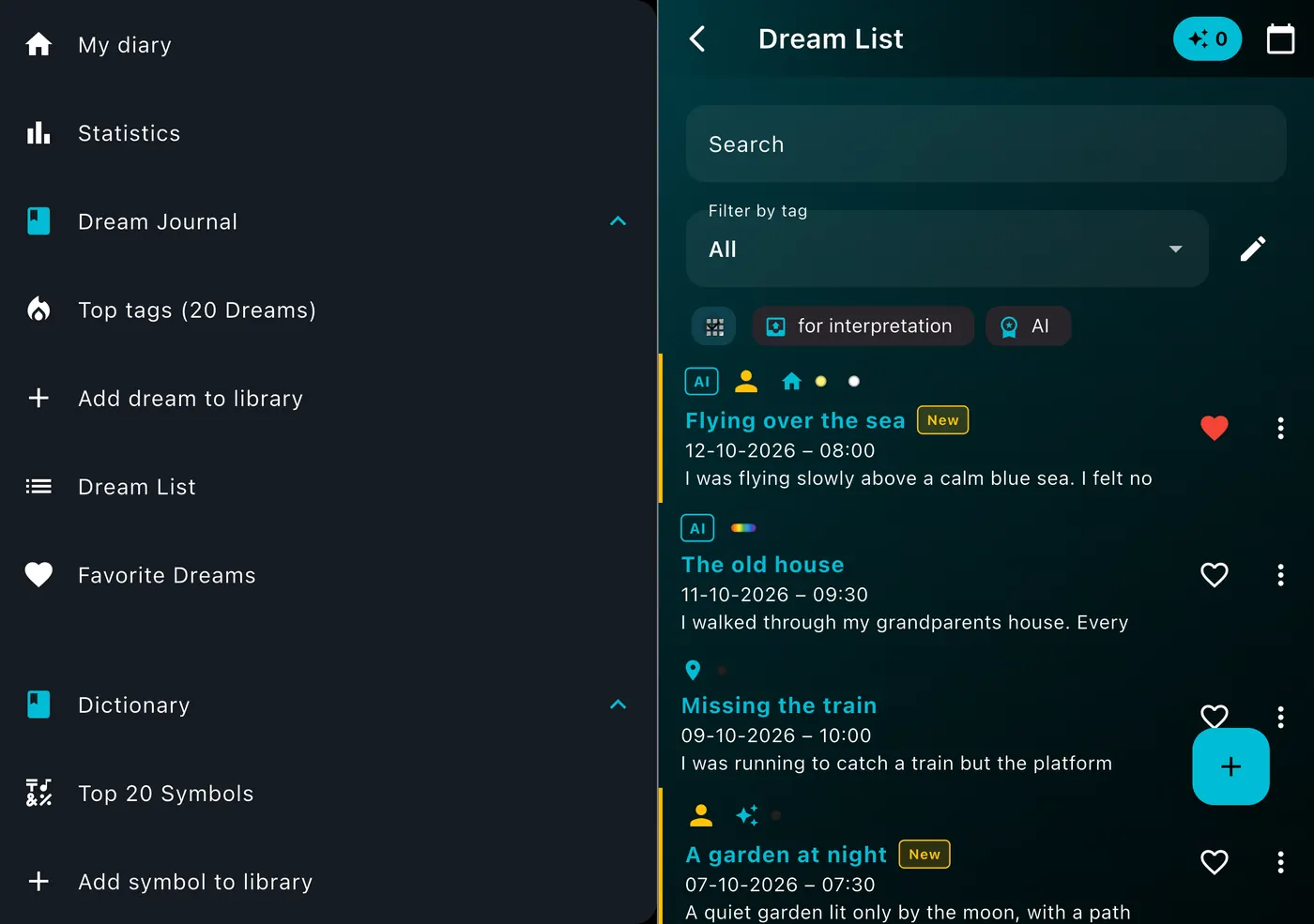
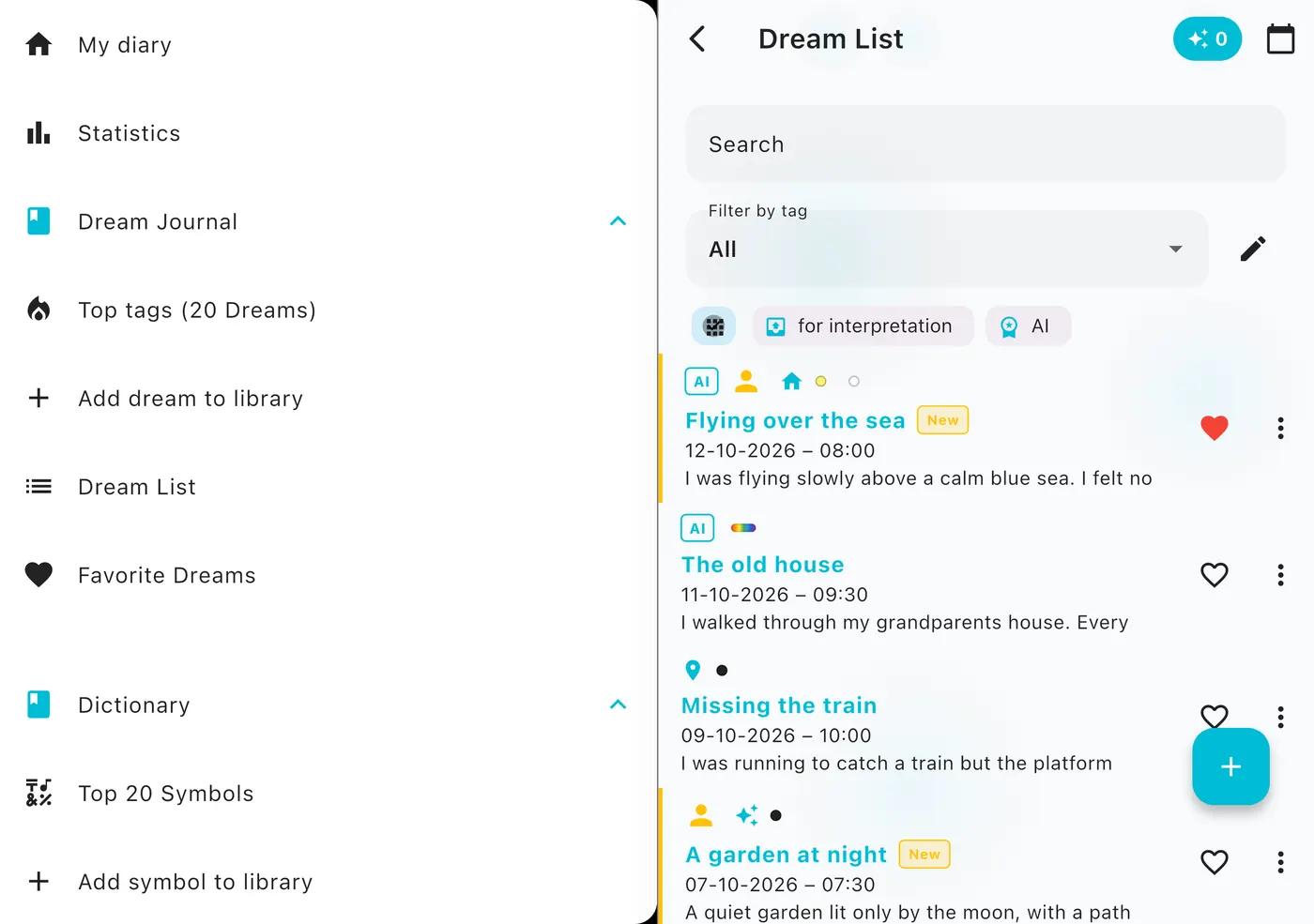
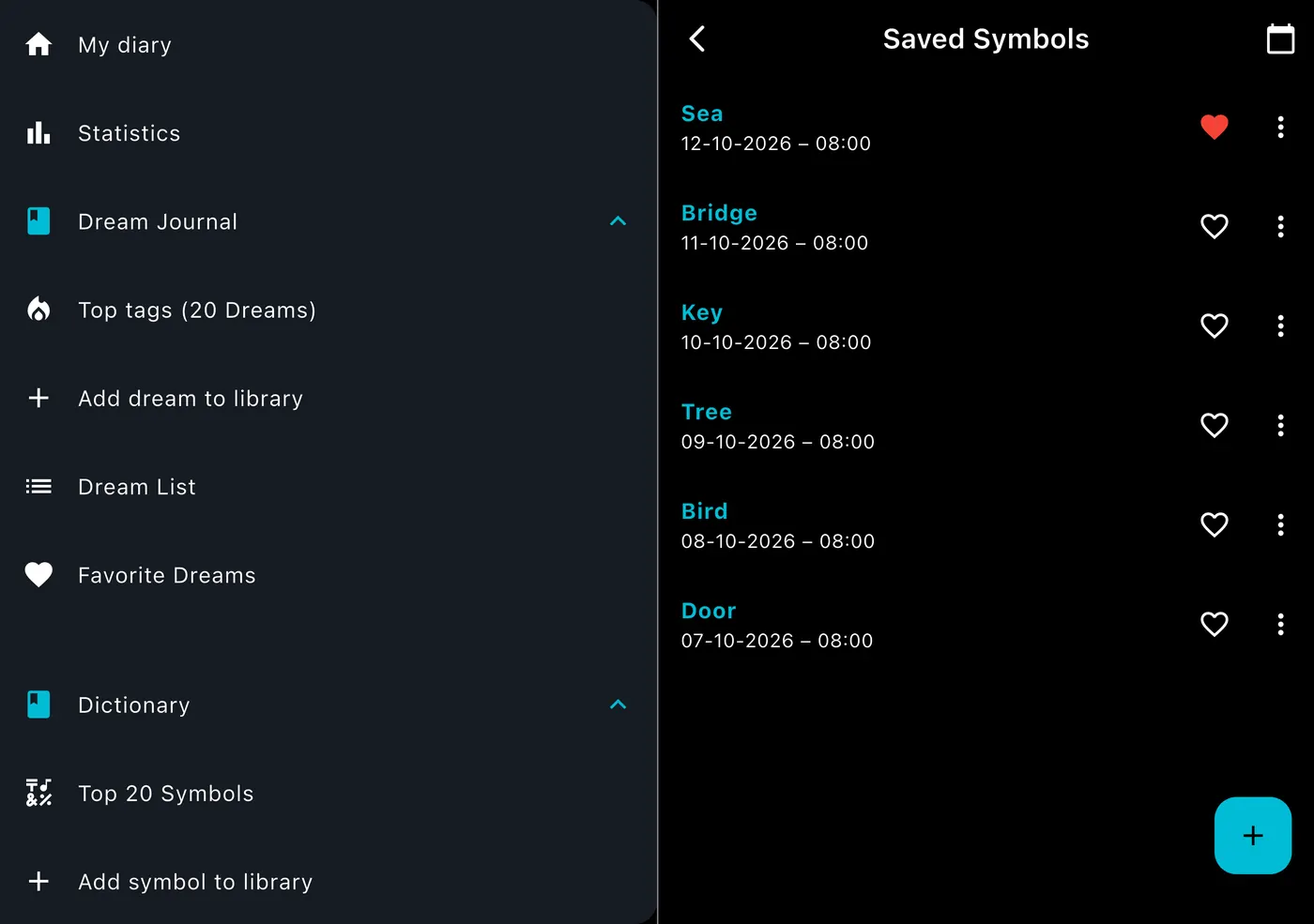
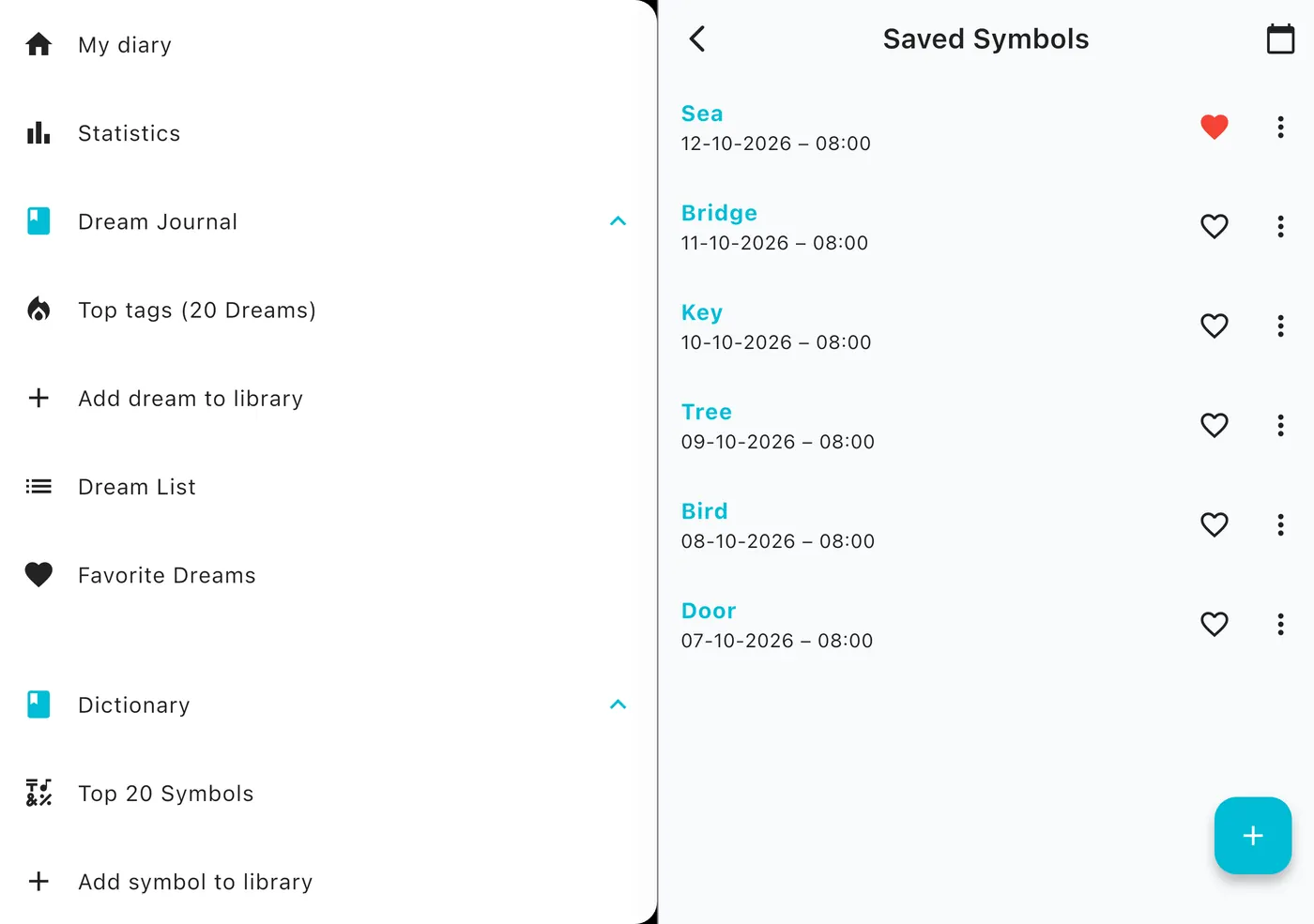
Dark and light

Looks great at 3 a.m. And in the morning.

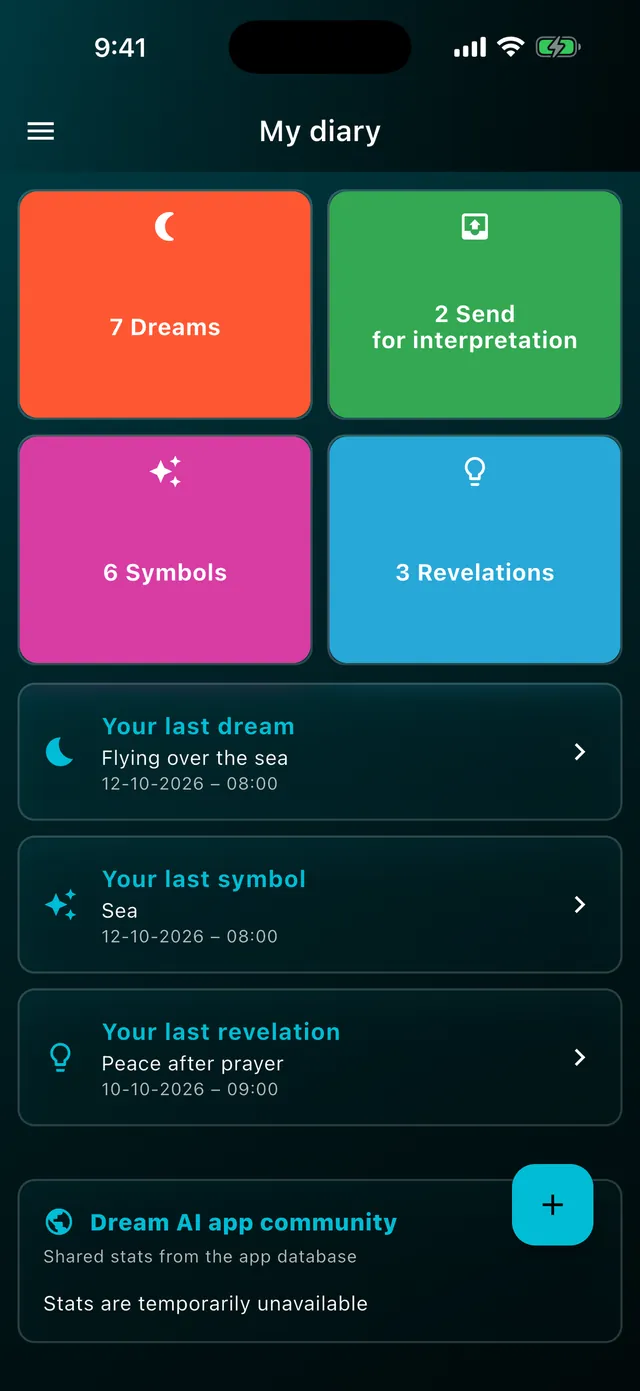
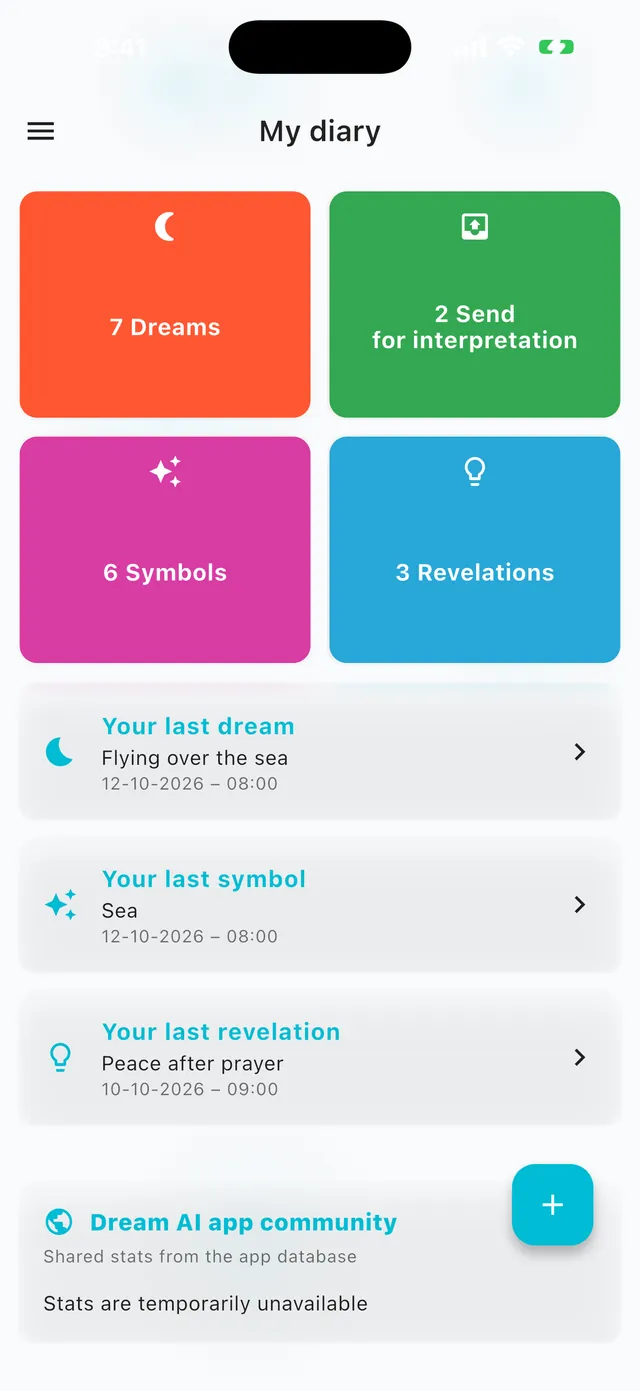
DreamAI has a full dark mode that is easy on the eyes right after waking, and a light mode for the day. Switch to see both.

DarkLight
Apple Watch

Your dreams on your wrist.

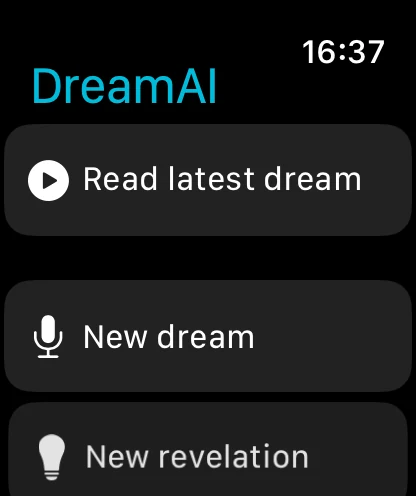
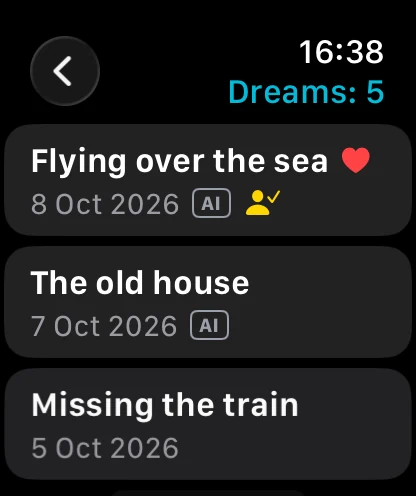
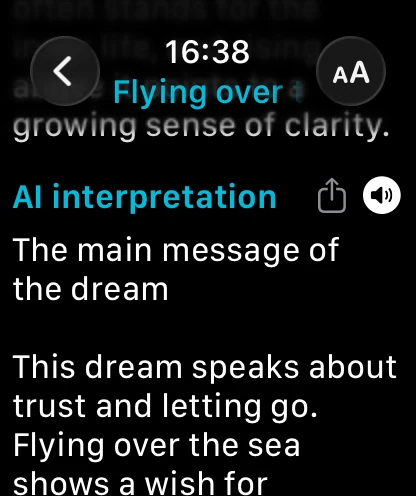
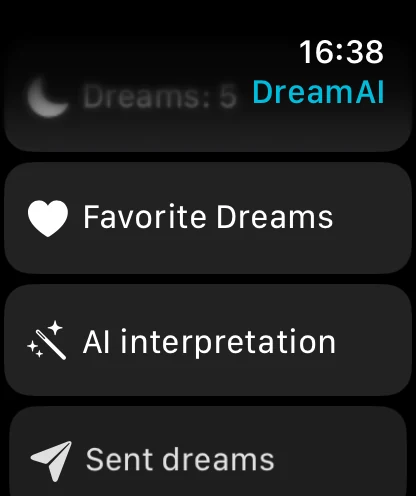
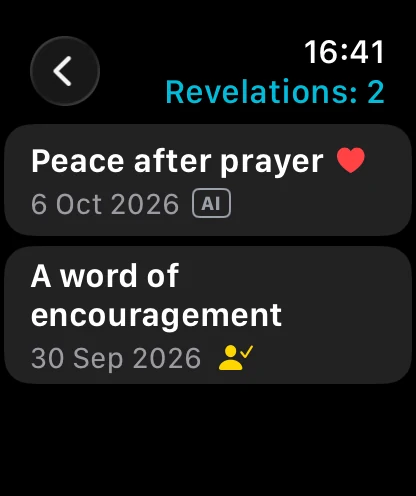
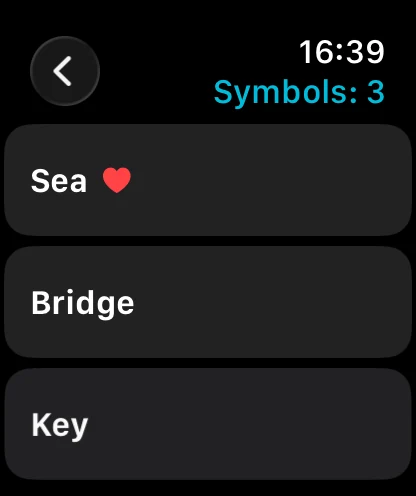
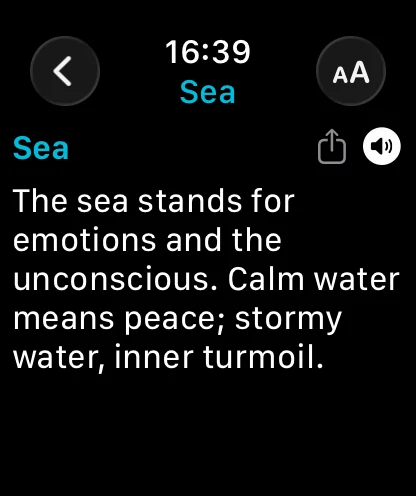
The Apple Watch app shows a list of all your dreams, revelations and symbols (newest first), plays them aloud and lets you dictate a new entry.

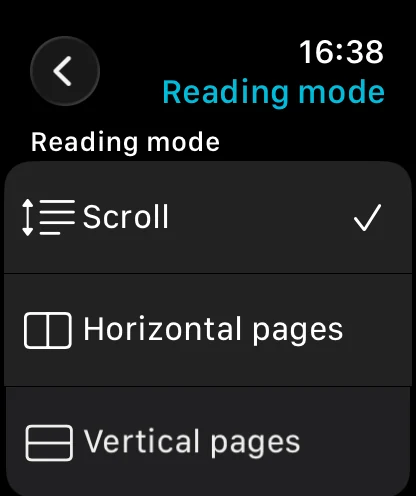
List of dreams, revelations and symbolsListening on the watchDictating new entriesReading mode: scroll or pagesFilters: favorites, AI, sent
DreamAI home screen on Apple Watch
Dream list on Apple Watch
Reading a dream on Apple Watch
Choosing a reading mode on Apple Watch
Menu and filters on Apple Watch
Revelations list on Apple Watch
Symbols list on Apple Watch
Symbol meaning on Apple Watch
Reading a symbol on Apple Watch
On every screen

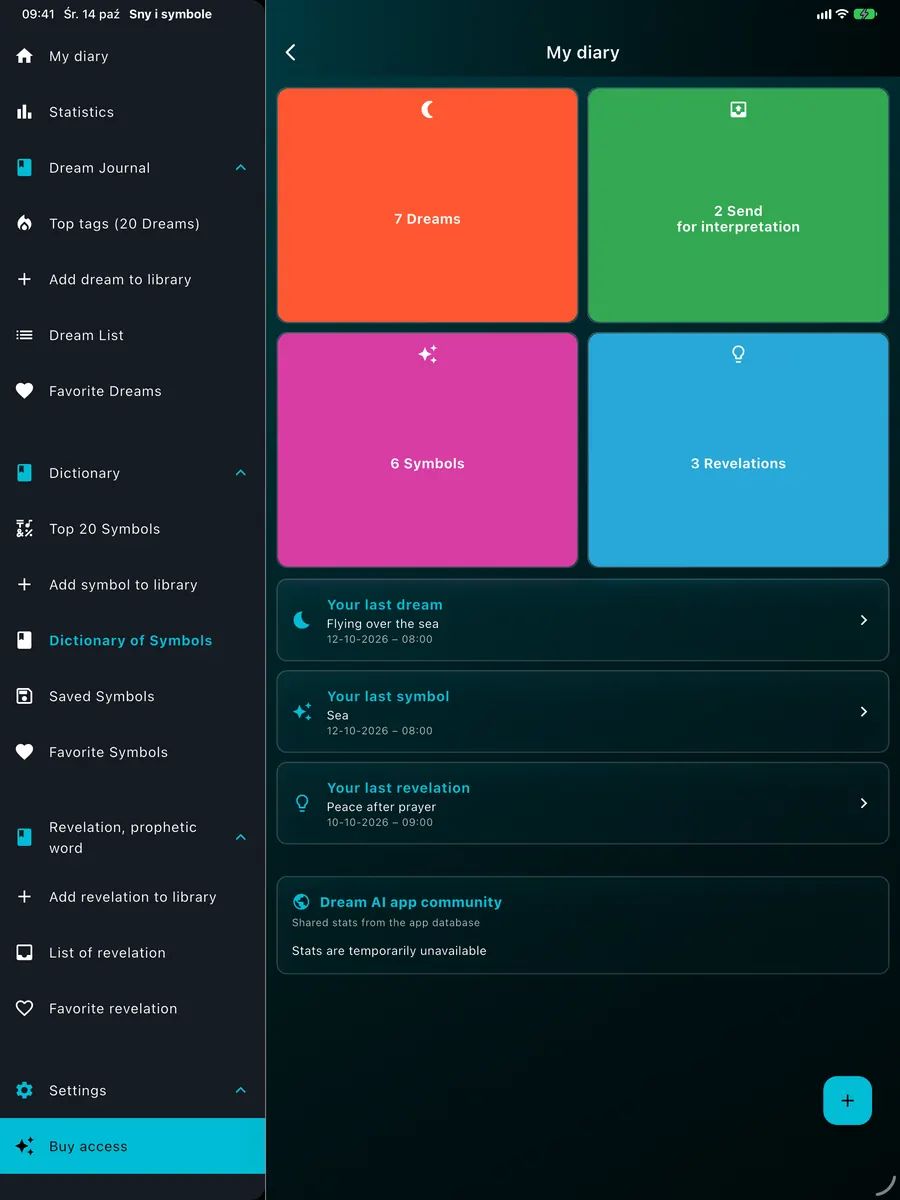
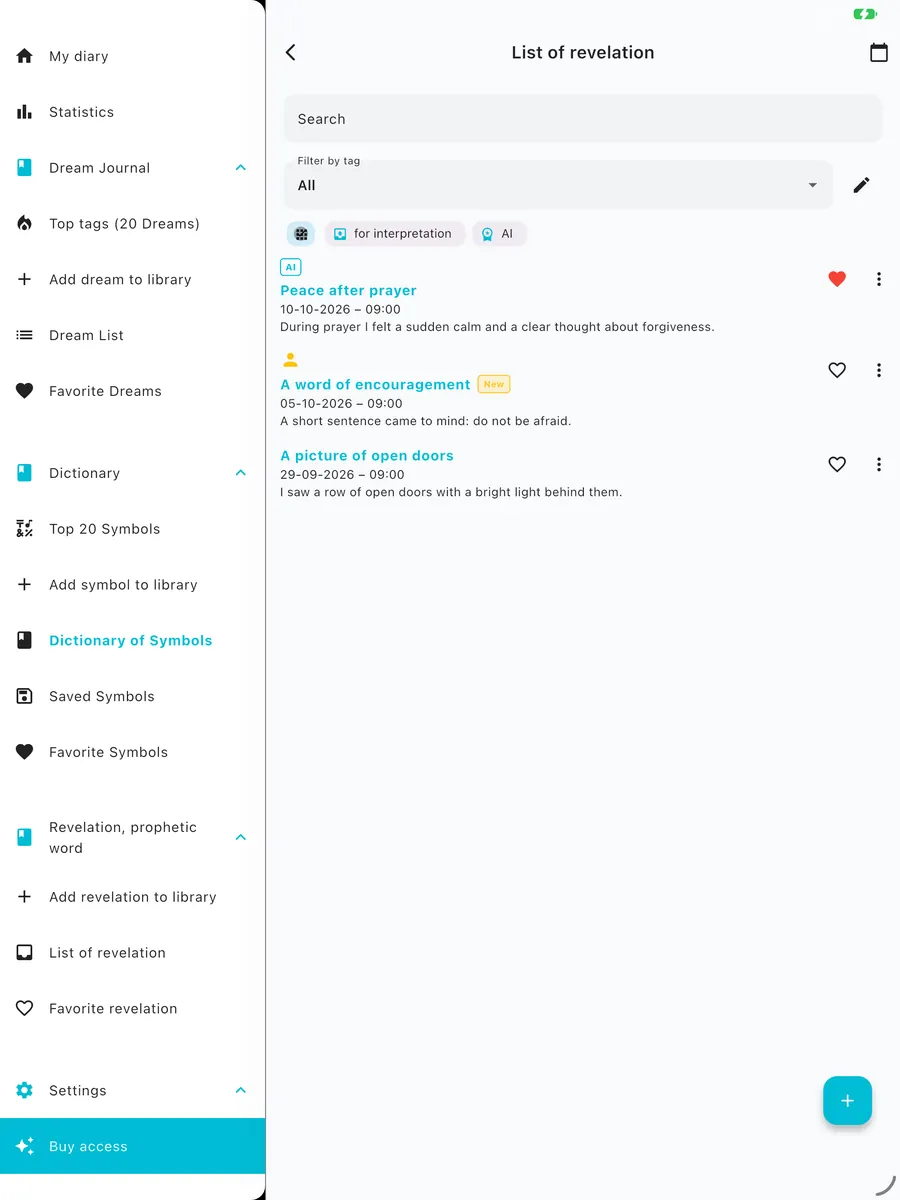
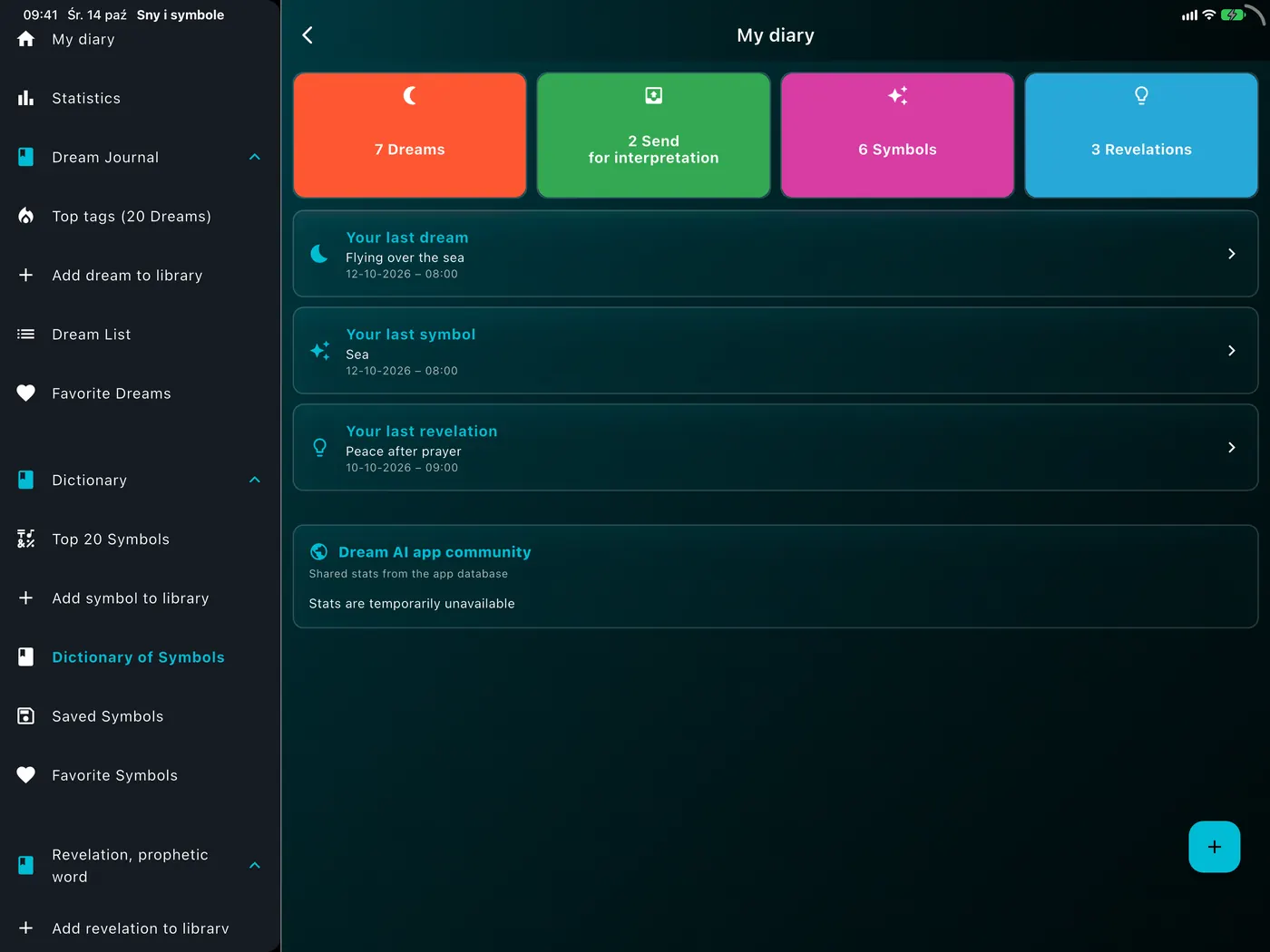
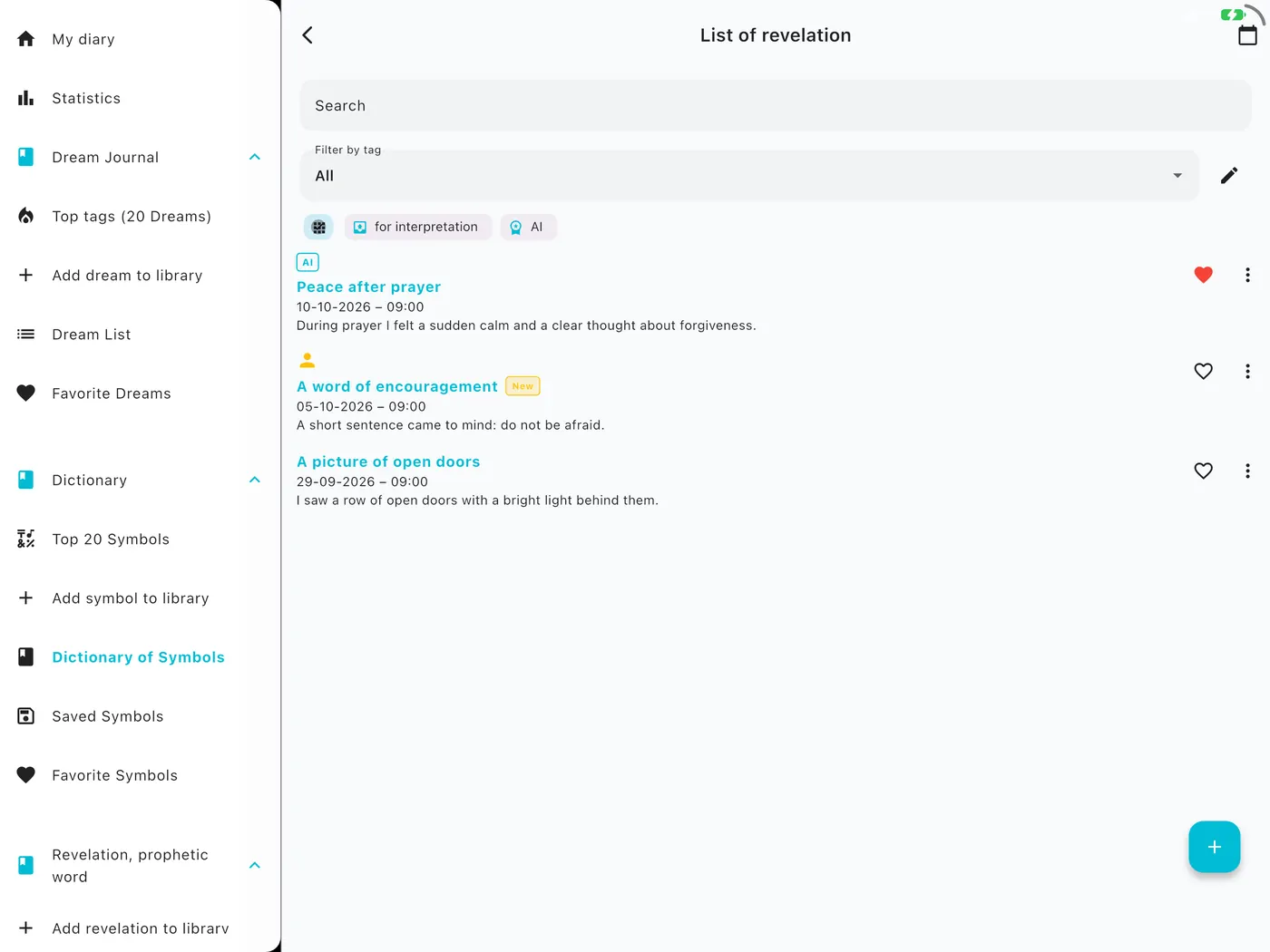
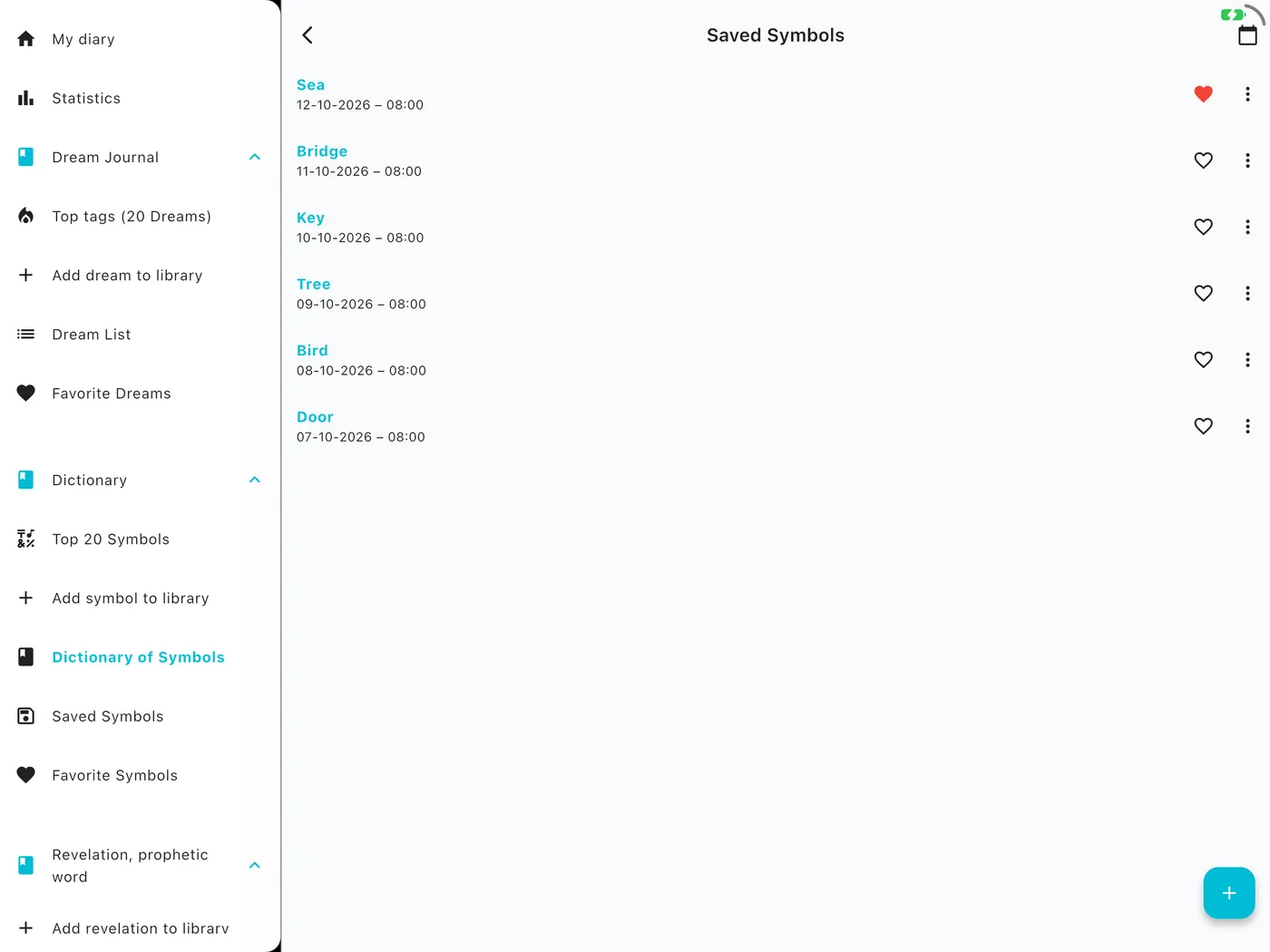
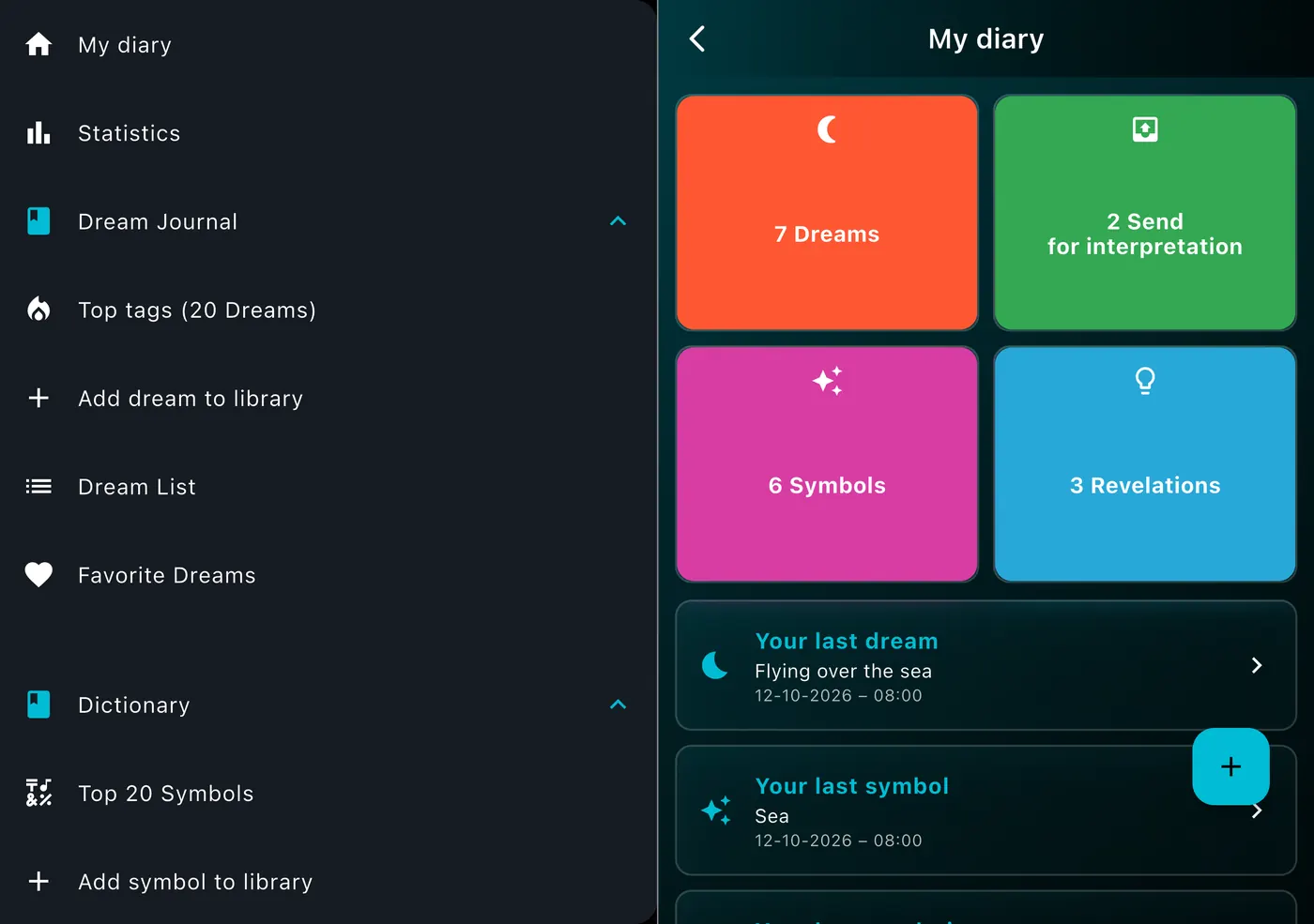
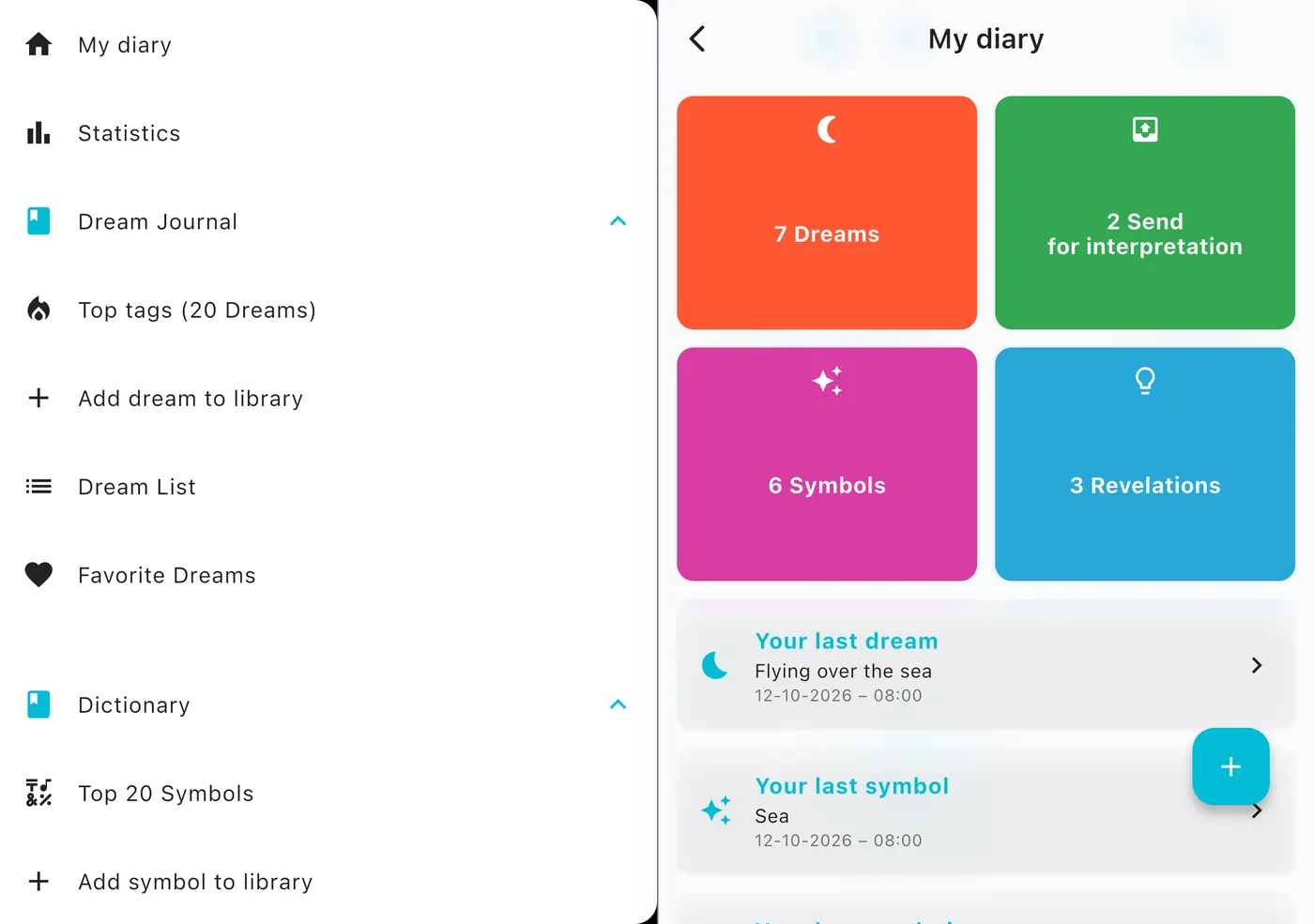
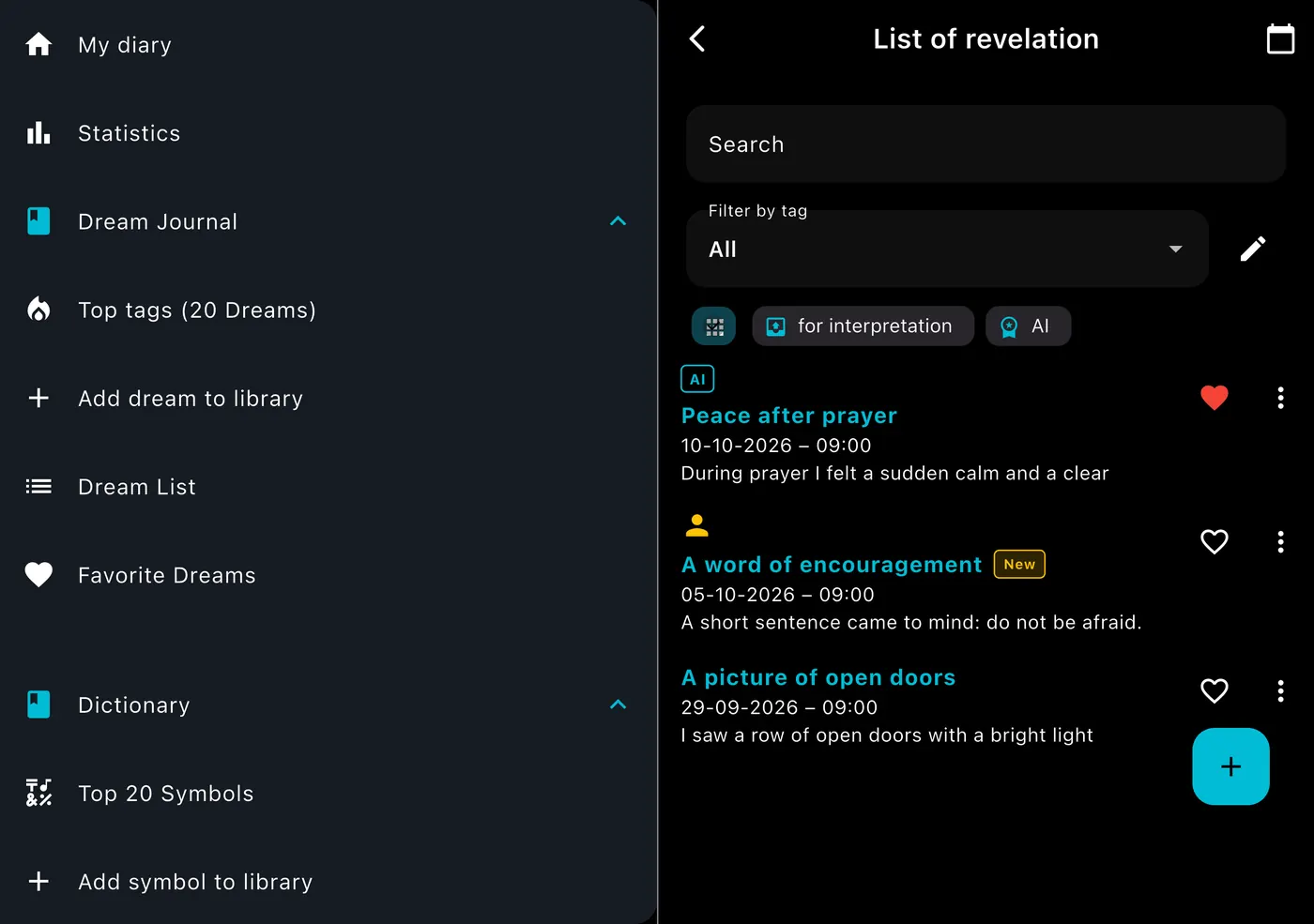
iPhone, iPad, iPhone Duo. The menu is always at hand.

On iPad and foldable iPhone the menu is a permanent panel next to the content, and phones support landscape. The same app, fitted to the screen.

DreamAI screen on a device – iPhoneDreamAI screen on a device – iPhone
DreamAI screen on a device – iPad portraitDreamAI screen on a device – iPad portrait
DreamAI screen on a device – iPad landscapeDreamAI screen on a device – iPad landscape
DreamAI screen on a device – iPhone DuoDreamAI screen on a device – iPhone Duo
Windows

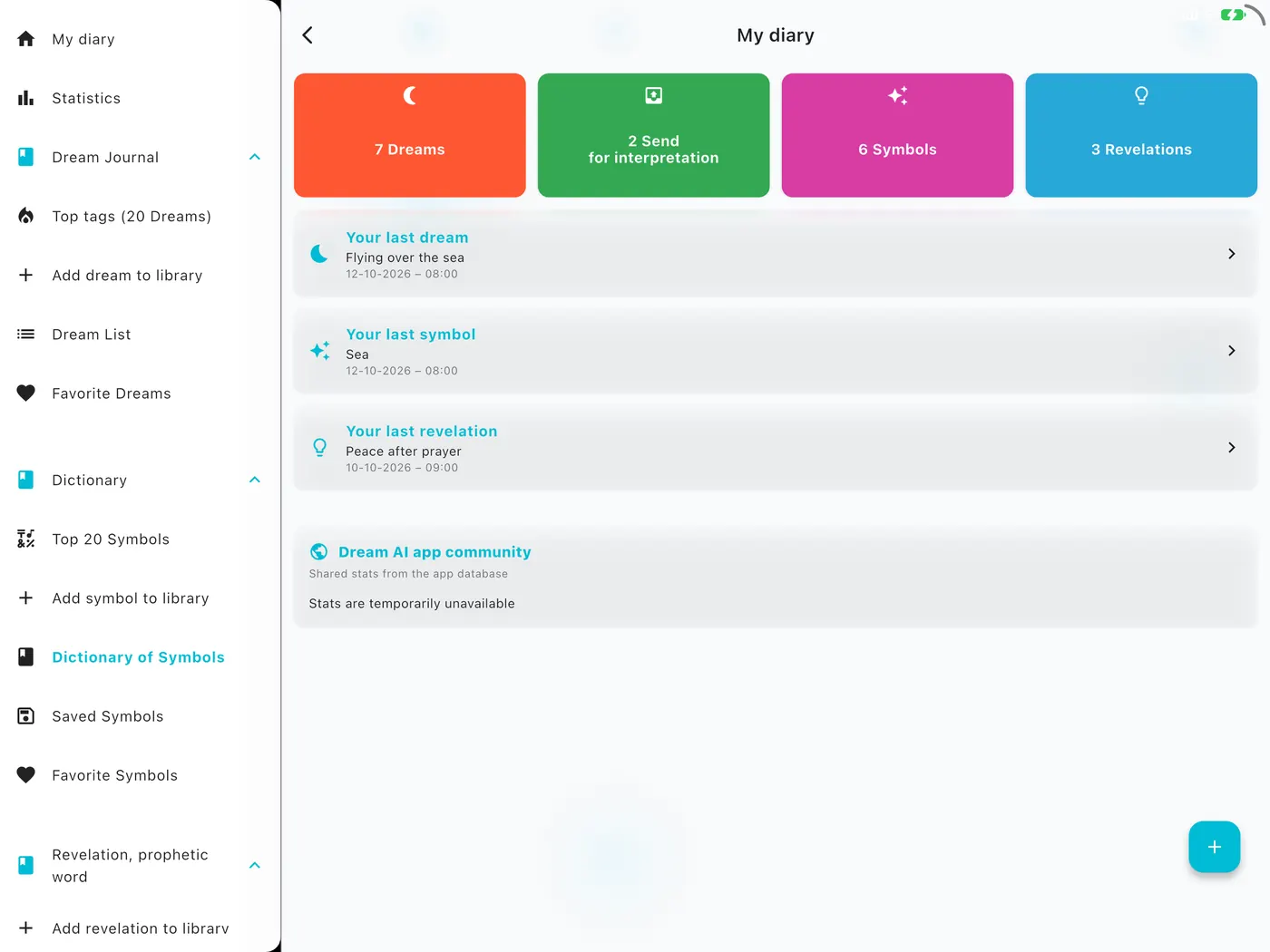
DreamAI for Windows. Your whole dream journal on a big screen.

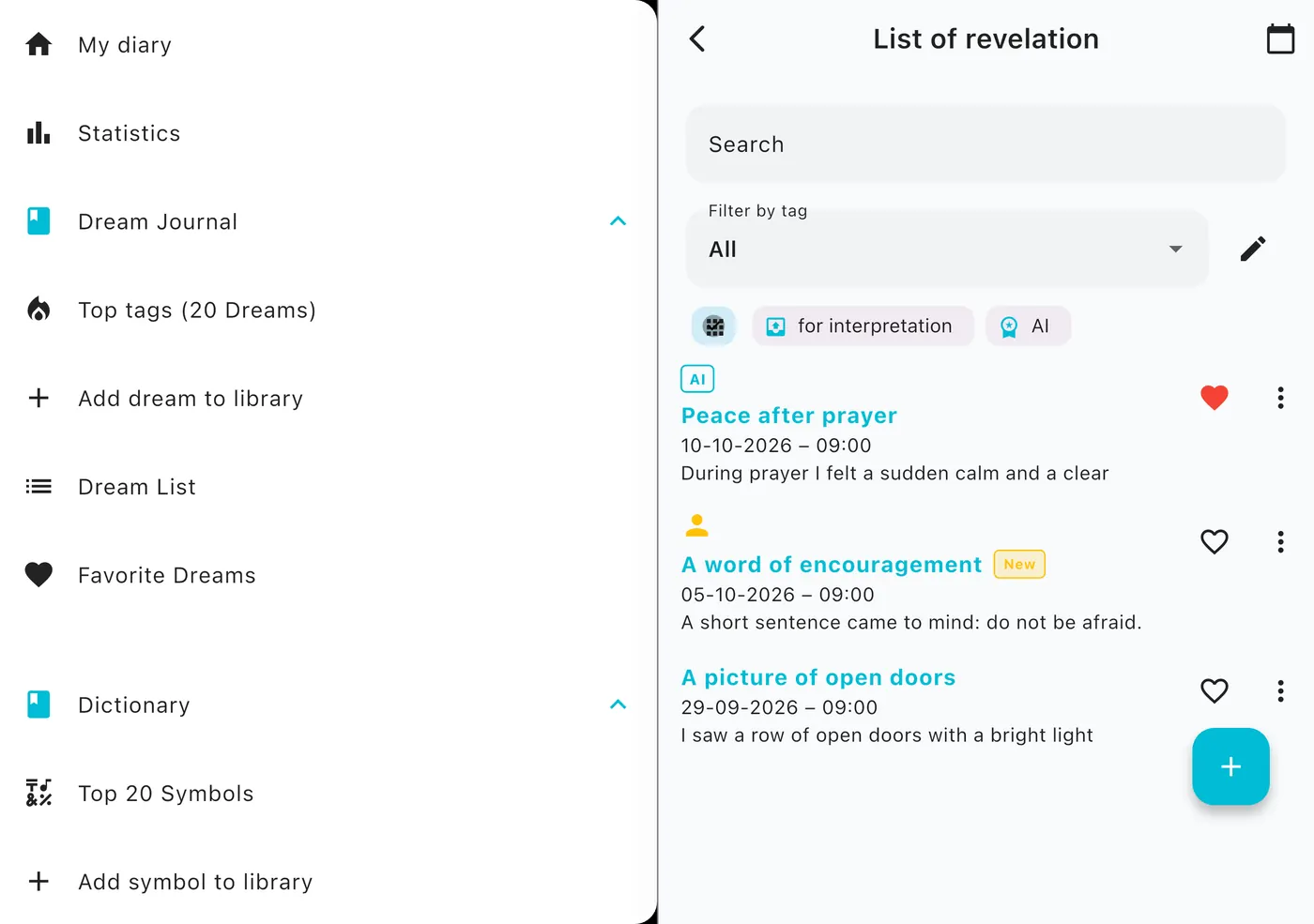
The full, free version for computers running Windows 10 (1809) or later. A permanent side menu, wide views and every feature: the journal, AI dream analysis, symbol dictionary, revelations, journal report and statistics.

DreamAI – Dreams and Symbols
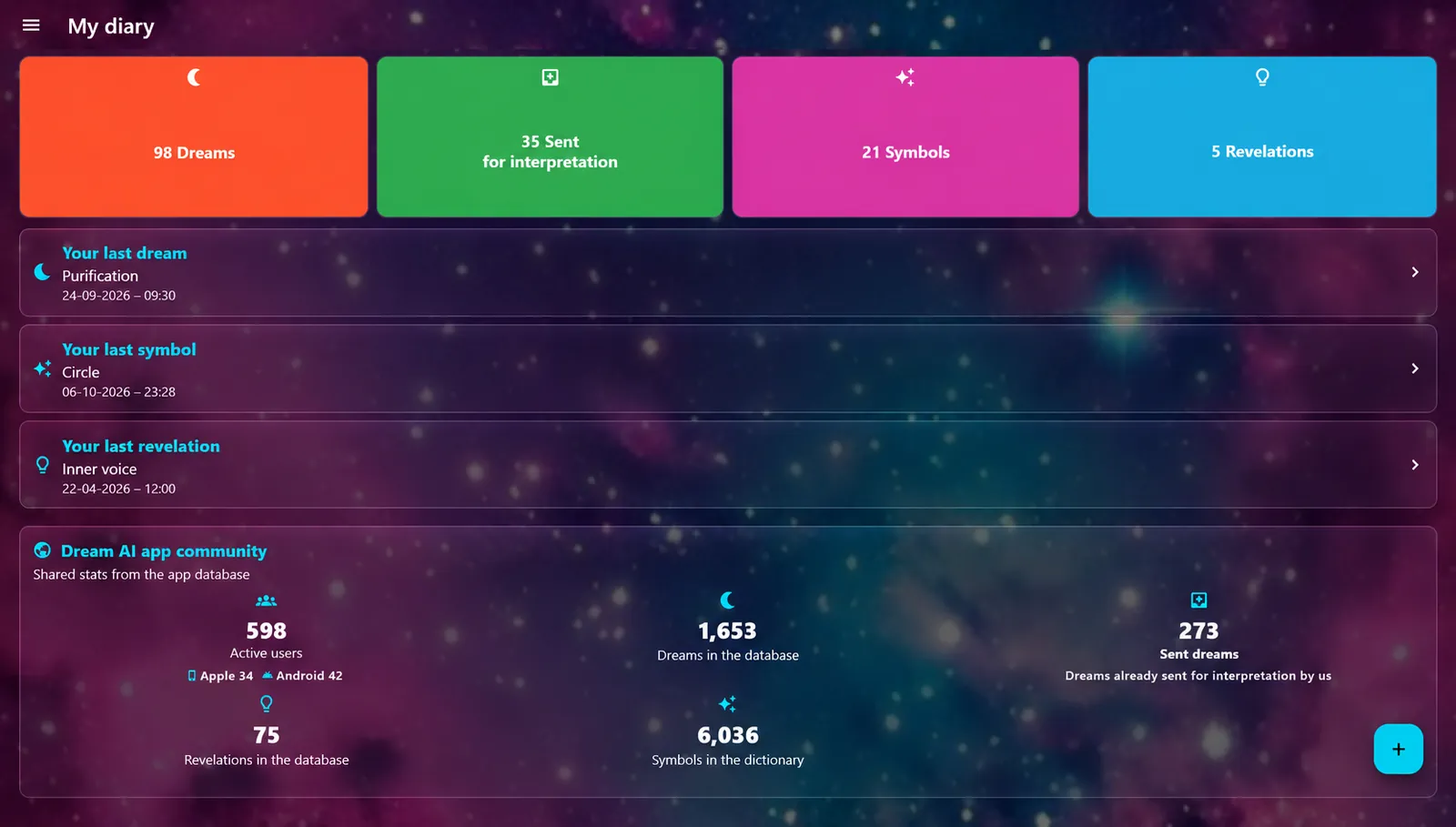
DreamAI for Windows: Journal home screen
DreamAI for Windows: Dream list with AI interpretation
DreamAI for Windows: Adding a dream with tags
DreamAI for Windows: Symbol dictionary
DreamAI for Windows: Revelations with biblical evaluation
DreamAI for Windows: Journal report
DreamAI for Windows: Statistics
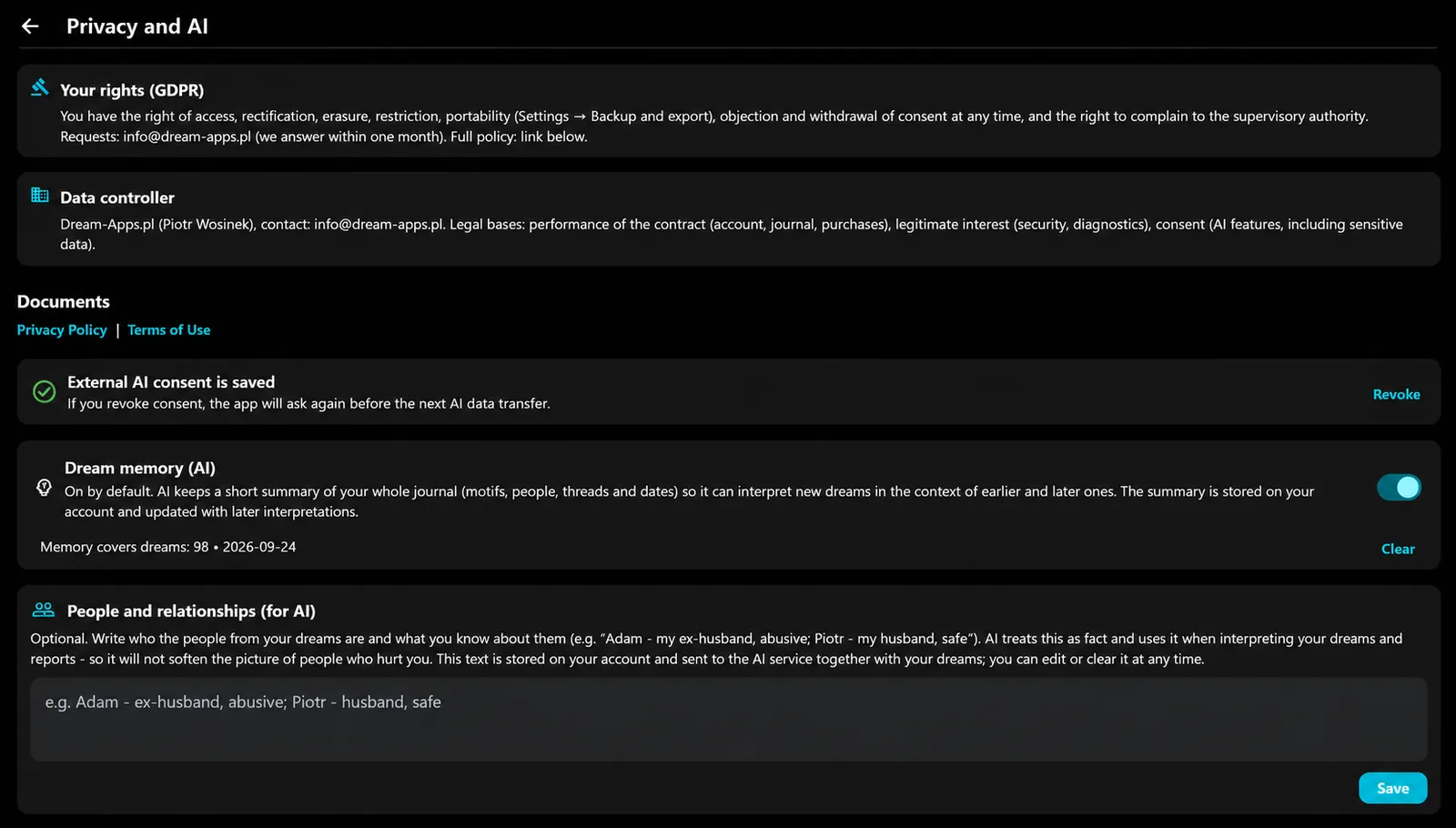
DreamAI for Windows: Privacy and AI consent
DreamAI for Windows: Appearance and dark mode
DreamAI for Windows: Backups and export
Journal home screen

The full version for desktop

All the features of the app in a layout made for a large screen, with the side menu always at hand.

Taskbar badge

The taskbar icon shows how many expert interpretations you have not opened yet.

PDF export

Export dreams, revelations and symbols to PDF, together with every version of an interpretation.

Backup and restore

Export and restore your journal to keep your data safe or move it to another device.

Privacy and AI consent

Text goes to AI analysis only after you agree, and you can withdraw consent in settings.

Looks and notifications

Dark and light theme, colors, backgrounds, text size and reminders to record your dream.

Requirements and availability

Windows 10 (version 1809, build 17763) or laterPCFree in the Microsoft StorePurchases through the Microsoft Store
Get it fromMicrosoft Store

Screenshots come from the English version of the app.

See it in action

30 seconds with DreamAI.

A short app preview and the trailer. The trailer is in English, with captions.

Secrecy and transparency

Your dreams stay yours.

Privacy

The journal is saved on your device. The app can work without storing your data on a server.

Consent for AI

You decide when text is sent for AI analysis, and you give your consent first.

Honest about AI

AI analyses are not predictions or medical, psychological or professional advice. They are inspiration for reflection.

Anonymous

You can stay anonymous. A password lock protects private entries from unauthorized access.

Purchases

Simple. No subscription.

Free

Included

Writing and managing your journal, tags, statistics, PDF export and backup.

Packs of 1 · 5 · 10

AI credits

AI analyses, symbol lookups and journal reports use credits bought once in packs of 1, 5 and 10. Your first symbol lookup is free.

Per entry

Expert interpretation

An answer from a real person to your dream or revelation. A one-time purchase per entry.

Prices and availability depend on the store and country.

Availability

Get it for your device.

iPhone, iPad and Apple Watch

iOS 15.0 or later. The watch app is included.

App Store →
Languages

In 15 languages.

Choose your language in the app menu. This website is available in the same 15 languages.

EnglishEnglish
PolskiPolish
العربيةArabic
DeutschGerman
EspañolSpanish
FrançaisFrench
हिन्दीHindi
Bahasa IndonesiaIndonesian
ItalianoItalian
日本語Japanese
한국어Korean
PortuguêsPortuguese
РусскийRussian
TürkçeTurkish
中文Chinese
Blog

From the blog

The latest articles on dreams, symbols and keeping a dream journal.

All articles →

FAQ

Frequently asked questions

What is DreamAI?

DreamAI: Dreams and Symbols is a private dream journal with detailed AI dream analysis, a symbol dictionary, a revelations journal and optional interpretation by a real expert. It runs on iPhone, iPad, Apple Watch, Android and Windows.

Does AI interpret my dreams?

AI analyzes the text of your dream and suggests possible readings, but these are not predictions or medical, psychological or professional advice. Treat them as inspiration for reflection. If you want an answer from a person, you can order an interpretation from a real expert.

Is DreamAI free?

The download is free. Writing and managing the journal, tags, statistics, PDF export and backup are included. AI analyses, symbol lookups and reports use credits bought once in packs of 1, 5 and 10 (your first symbol lookup is free). Expert interpretation is a one-time purchase per entry.

Are my dreams private?

Yes. The journal is saved on your device and synced with your account, you can stay anonymous and lock the app with a password. Text is sent for AI analysis only when you agree. The privacy policy has the details.

Does it work offline?

The journal, read aloud and browsing your entries work without internet. AI analysis, reports and expert interpretation need a connection, and you get a notification when the result is ready.

Which devices does it support?

iPhone, iPad (including the two-pane layout), iPhone Duo, Apple Watch, Android devices and computers running Windows 10 (1809) or later.

Is there a Windows version?

Yes. The full version of DreamAI is free in the Microsoft Store and runs on computers with Windows 10 (version 1809) or later. It has a permanent side menu, PDF export, backup and restore, and the taskbar icon shows the number of unopened expert interpretations. Purchases are made through the Microsoft Store.

Which languages does the app support?

The app is available in 15 languages: English, Polish, Arabic, German, Spanish, French, Hindi, Indonesian, Italian, Japanese, Korean, Portuguese, Russian, Turkish and Chinese. You can change the language in the app menu (Language). This website is available in the same languages.

What is the revelations journal?

A separate place for words, visions and spiritual impressions. The evaluation has two clearly separated parts: the natural meaning for everyone and, for believers, a biblical evaluation based on Scripture.

What does the Apple Watch app do?

It shows a list of all your dreams, revelations and symbols, newest first, plays them aloud and lets you dictate a new entry. You can also switch the reading mode and filter the list.

Can I back up my journal?

Yes. You can export your journal to PDF, make a backup and restore it on another device.

How do I contact support?

Write to info@dream-apps.pl.

DreamAI is not a medical or psychological tool and does not replace professional advice.

DreamAI
Start recording your dreams today.

Download DreamAI for iPhone, Android or Windows.